
Every productivity guru promises the perfect system. Complex methodologies with acronyms, elaborate folder hierarchies, color-coded categories that take longer to maintain than your actual work. Meanwhile, your best ideas still get scribbled on actual sticky notes because they're fast and simple.
TaskLoco takes that sticky note simplicity and makes it digital. One place for everything — tasks, notes, reminders, files — with search that actually works and sync that never fails. No learning curve, no setup time, just capture and go.
TaskLoco Premium is regularly $9.99/month per person. Right now, charter members can lock in 50% off the regular price — forever. That means $4.99/month per person today. And if our price ever goes up, you still pay half. Always.
Code CHARTER50 auto-applies at checkout. First 500 spots only — once they're gone, this offer is gone permanently. Act fast while spots last.
Every Premium subscription includes unlimited notes, 10GB file storage, reminders, calendar, and team sharing. Each team member requires a separate subscription. 7-day free trial — no charge until day 8. Cancel anytime.
Free Options: TaskLoco vs Complex productivity systems
TaskLoco Lite
- Native iPhone & Android app
- Completely anonymous — no sign-in
- Data stays on your device
- Up to 20 notes
- Free forever
TaskLoco Lite Plus+
- Web app + Chrome extension
- Sign in with Google
- Wall syncs across all devices
- Up to 30 notes
- Free forever
Why Sticky Notes Work (And Why Most Apps Don't)
Physical sticky notes have dominated offices for decades because they solve the fundamental problem: capturing thoughts instantly without friction. You don't organize them into projects first, assign due dates, or pick the right template. You write it down and stick it somewhere visible.
Most productivity apps fail because they optimize for organization instead of capture. They make you think about categories, priorities, and workflows before you can even record a simple task. By the time you've navigated three menus, your thought is gone.
The magic isn't in perfect organization — it's in never losing an idea because the tool was too slow or too complicated to use in the moment.

The Three-Layer System That Actually Works
TaskLoco's system has three simple layers: Capture, Connect, and Complete. Everything you need fits into these three actions, no matter how complex your work gets.
Capture: Every sticky note starts the same way — open TaskLoco and type. No project selection, no due date requirements, no mandatory fields. Just get it out of your head and into the system. The Chrome extension captures web pages with one click, and mobile lets you jot notes instantly.
Connect: Once captured, you connect related items through search, tags, or file attachments. Need to reference a document? Drag it right onto the note. Related tasks? Tag them the same way. The connections emerge organically as you work, not through forced hierarchy.
Complete: Set reminders for time-sensitive items, check off completed tasks, and let finished items fade into your searchable archive. No complex closing procedures or status updates — just done.

Why Search Beats Categories Every Time
Traditional productivity systems force you to predict where you'll look for information later. Should this client meeting go under 'Projects' or 'Clients' or 'Meetings'? The wrong choice means lost information, but spending time on perfect categorization kills momentum.
TaskLoco's full-text search works across everything — note contents, file attachments, even text inside images. Type a few letters and find what you need instantly. No folder diving, no category guessing, no wondering which project bucket holds that important detail.
Search scales infinitely. Your system works the same way with 50 notes or 5,000 notes. Categories break down as your work grows and changes, but search just gets better with more data to work with.
The 10GB file storage means your documents, screenshots, and reference materials live right with your notes, all searchable, all instantly accessible.

The Calendar Integration That Makes Sense
Most productivity apps treat calendars as separate entities — different interfaces, different workflows, constant context switching between time-based and task-based thinking. TaskLoco's calendar view shows your notes and reminders in time context without forcing everything into artificial time blocks.
Set reminders on any note and they appear in calendar view automatically. No separate calendar entry, no duplicate information, no sync issues between systems. Your reminder is the note itself, complete with all attached context and files.
This approach works because it mirrors how people actually think about time. Important tasks have natural deadlines, not forced scheduling. You need reminders for some things, not artificial time blocking for everything.
Team members can share notes with reminders, so everyone stays informed without calendar invitation spam or meeting proliferation.





The Honest Comparison
| Feature | TaskLoco | Complex productivity systems |
|---|---|---|
| Capture speed | Instant — open and type, no mandatory fields or navigation | Requires project selection, categories, or form fields |
| Learning curve | Zero — works like physical sticky notes everyone already knows | Complex workflows and methodologies to master |
| Search capability | Full-text search across notes, files, and image text | Limited search or folder-dependent organization |
| File integration | 10GB storage — files attach directly to relevant notes | Separate file management or limited attachment options |
| Mobile capture | Web app works on any device with full feature parity | Native apps often missing features or sync issues |
| Chrome extension | One-click webpage capture with context preserved FREE | Limited or no web capture capabilities |
| Calendar integration | Notes with reminders appear automatically — no separate entries | Duplicate information between tasks and calendar events |
| Team sharing | Yes — included with Premium. Each team member requires a separate subscription — currently $9.99/month per person, but TaskLoco is offering a Charter Member special: 50% off for life, currently $4.99/month per person for the first 500 subscribers with code CHARTER50. | Complex permission systems or view-only limitations |
| Pricing transparency | $9.99/month per person (currently $4.99/month per person for first 500 charter members with code CHARTER50) | Per-seat tiers, minimums, or hidden enterprise pricing |
| Setup time | Sign in with Google and start using immediately | Requires project setup, team configuration, workflow design |
| Context switching | Everything in one interface — notes, tasks, calendar, files | Multiple views, modules, or separate applications |
| Reminder flexibility | Set reminders on any note — from simple tasks to complex projects | Rigid reminder systems or separate notification management |
| Information architecture | Flat structure — everything searchable without hierarchy | Forced folder structures or project categorization |
| Cross-device sync | Real-time sync across all devices and platforms FREE | Platform-specific limitations or sync delays |
| Feature bloat | Essential features only — no unused complexity | Overwhelming feature sets most users never touch |
| Data portability | Your notes remain accessible and searchable forever | Proprietary formats or export limitations |
| Enterprise complexity | Simple per-person pricing — no enterprise overhead | Enterprise features complicate simple use cases |
| Anonymous option | TaskLoco Lite — 20 notes, no account, completely private FREE | Requires account creation and data collection |
Who Should Use Each
Use TaskLoco if…
- You want instant capture without navigating complex project structures
- You prefer search over elaborate folder hierarchies
- You need files and context attached directly to tasks
- You want calendar integration that doesn't create duplicate information
- You value simplicity over feature complexity
- You need reliable sync across all your devices
Use Complex productivity systems if…
- You need Gantt charts or complex project timeline visualization
- Your workflow requires extensive automation and third-party integrations
- You prefer structured methodologies over flexible note-taking
- Your team needs enterprise compliance certifications
Lock In 50% Off — Forever
7-day free trial. No charge until day 8. CHARTER50 auto-applies at checkout.
🔒 Lock In My Charter SpotSee TaskLoco in Action
Frequently Asked Questions
How is TaskLoco different from complex project management systems?
TaskLoco prioritizes speed and simplicity over feature complexity. Instead of forcing you into predefined workflows, it lets you capture thoughts instantly and organize naturally through search and tags. $9.99/month per person (currently $4.99/month per person for first 500 charter members with code CHARTER50)
Can TaskLoco handle both simple tasks and complex projects?
Yes — the sticky note format scales from quick reminders to detailed project notes with file attachments. Everything stays searchable and connected without requiring different interfaces for different complexity levels.
How does TaskLoco's search compare to folder organization?
TaskLoco's full-text search works across everything — note contents, file attachments, even text in images. This scales infinitely and eliminates the guesswork of folder categorization that breaks down as your work evolves.
What makes TaskLoco better for team collaboration?
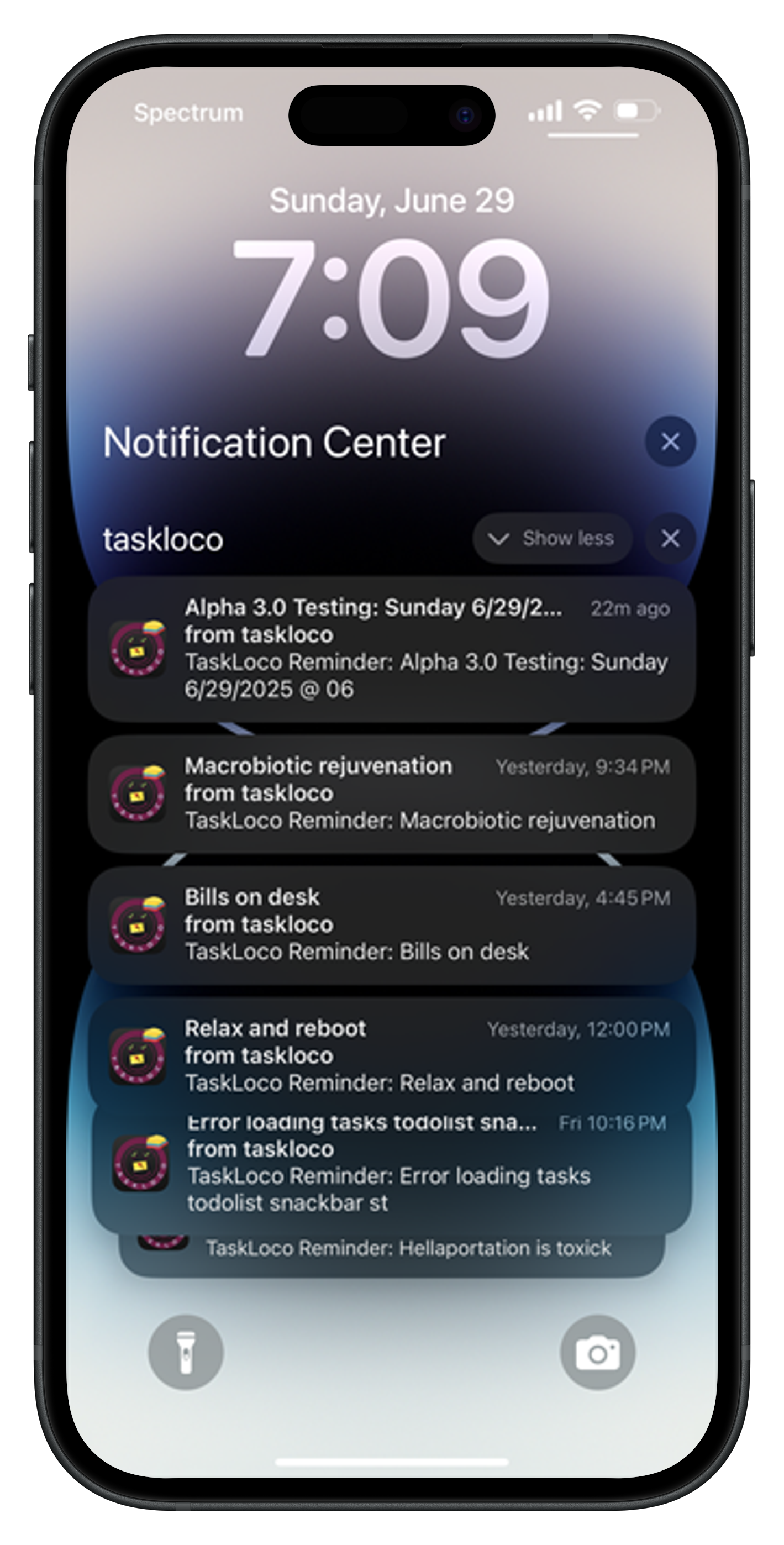
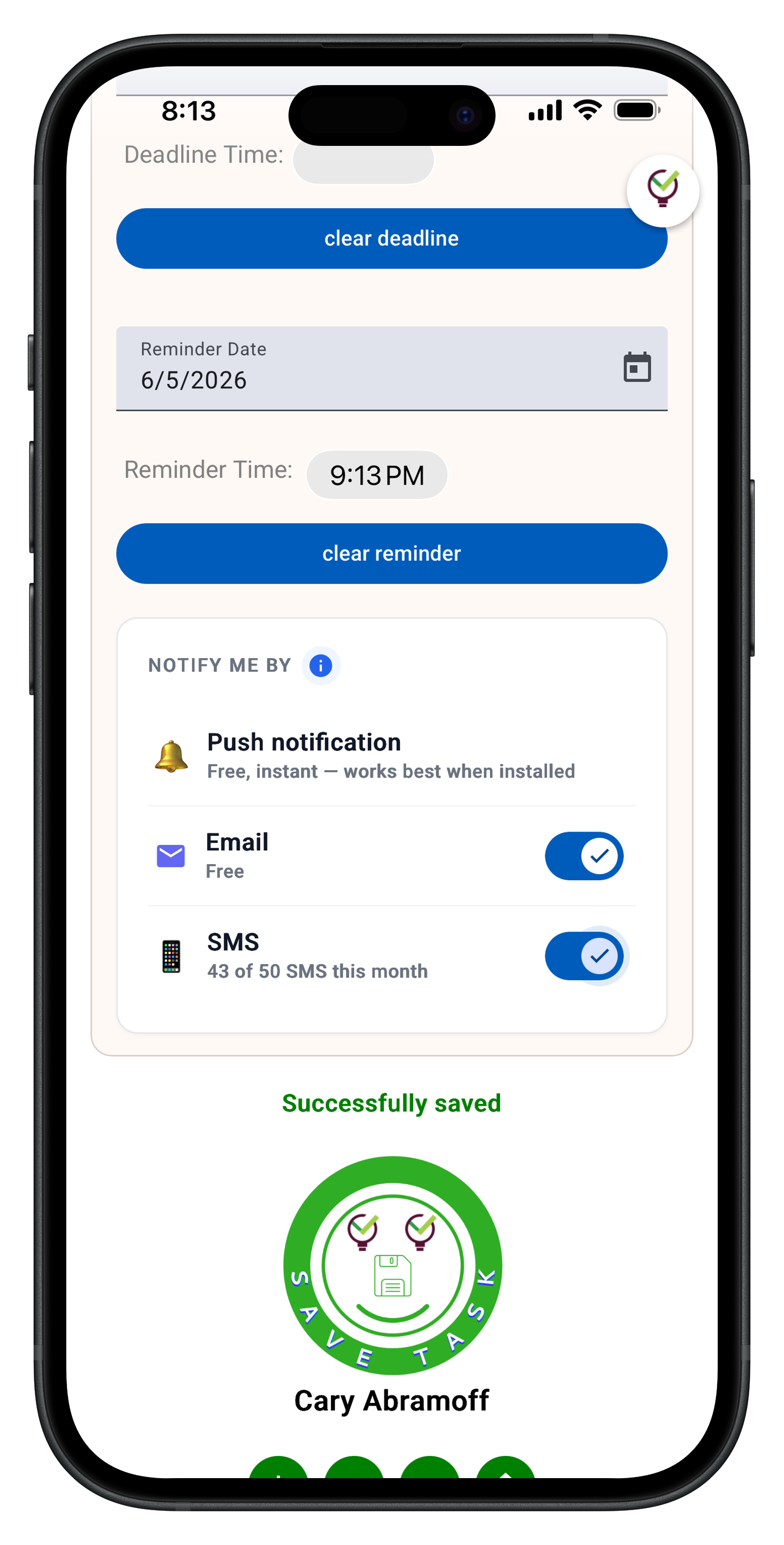
Shared notes work like email — recipients get full copies they can edit and customize. No complex permission systems or access level management. Everyone stays informed through push notifications with optional email & SMS notifications available when notes are shared or updated.
How does the Chrome extension improve productivity?
One-click capture of any webpage directly into your notes. The page content, URL, and context are preserved automatically, eliminating the need to bookmark, screenshot, or copy-paste information manually.
Why choose TaskLoco over free alternatives?
$9.99/month per person (currently $4.99/month per person for first 500 charter members with code CHARTER50) TaskLoco combines speed, search, file storage, and team sharing in one interface. Free alternatives typically limit features, storage, or force you to use multiple disconnected tools.
Does TaskLoco work the same way on mobile and desktop?
Yes — TaskLoco is a web app that works identically across all devices. No feature limitations or sync issues between platforms. Plus TaskLoco Lite offers 20 anonymous notes stored locally on mobile for completely private use.
Born in Brooklyn. Powered by AWS. Your data stays yours.
TaskLoco is available on iPhone, Android, Chrome, and every web browser.