
David Allen's Getting Things Done changed how millions think about productivity. But most GTD apps turned his elegant system into complex project management monsters with endless menus, nested folders, and feature bloat that actually makes you less productive.
TaskLoco takes the opposite approach. It strips GTD back to its core principles — capture everything, organize simply, review regularly, and act with clarity. No project templates, no workflow automation, no enterprise features that get in your way. Just pure GTD philosophy in a fast, clean interface that actually helps you get things done.
TaskLoco Premium is regularly $9.99/month per person. Right now, charter members can lock in 50% off the regular price — forever. That means $4.99/month per person today. And if our price ever goes up, you still pay half. Always.
Code CHARTER50 auto-applies at checkout. First 500 spots only — once they're gone, this offer is gone permanently. Act fast while spots last.
Every Premium subscription includes unlimited notes, 10GB file storage, reminders, calendar, and team sharing. Each team member requires a separate subscription. 7-day free trial — no charge until day 8. Cancel anytime.
Free Options: TaskLoco vs Traditional GTD Apps
TaskLoco Lite
- Native iPhone & Android app
- Completely anonymous — no sign-in
- Data stays on your device
- Up to 20 notes
- Free forever
TaskLoco Lite Plus+
- Web app + Chrome extension
- Sign in with Google
- Wall syncs across all devices
- Up to 30 notes
- Free forever
Capture Everything — The GTD Foundation
David Allen's first rule: get everything out of your head and into a trusted system. TaskLoco makes this effortless with instant note creation and the Chrome extension that captures any webpage, email, or idea in one click.
Unlike traditional GTD apps that force you to categorize everything upfront, TaskLoco lets you dump thoughts as fast as they come. Create notes in seconds, add files by dragging them in, and use the Chrome extension to capture web research without breaking your flow.
Your brain stays clear because everything gets captured immediately. You can organize later during your GTD review sessions, exactly as Allen intended.

Organize Simply — No GTD Overhead
Most GTD apps bury you in contexts, projects, and sub-projects until the system becomes harder to manage than your actual work. TaskLoco keeps organization visual and immediate with sticky note walls that mirror how your brain actually works.
Group related notes together, move them around as priorities shift, and see your whole GTD system at a glance. No nested folders, no complex hierarchies — just visual organization that makes sense.
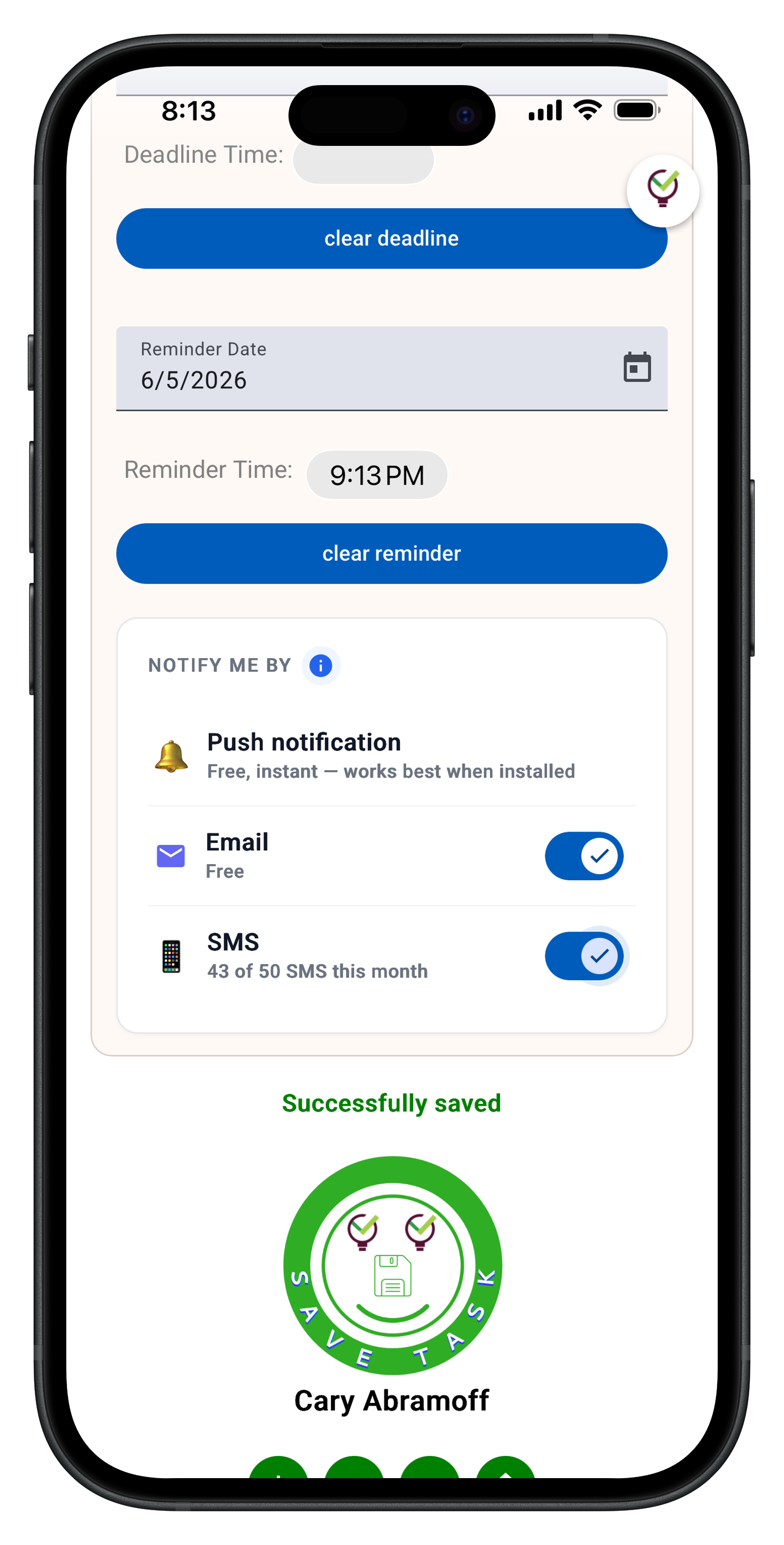
Set reminders for time-sensitive items, attach files to action items, and share notes with team members when collaboration is needed. The system stays simple while handling everything David Allen's methodology requires.

Review and Act — GTD Without Friction
The GTD weekly review is where the magic happens, but most apps make it a chore with complicated dashboards and overwhelming data. TaskLoco's calendar view and search make reviews fast and focused.
See everything due this week in calendar view, search across all notes and files to find anything instantly, and update action items without navigating complex menus. The system supports your GTD practice instead of getting in its way.
When it's time to act, everything you need is right there: the original capture, related files, team context, and clear next actions. No friction between decision and execution.

Team GTD — Shared Without Complexity
David Allen designed GTD for individuals, but modern work requires team coordination. TaskLoco extends GTD principles to teams without the project management complexity that kills productivity.
Share notes with team members who can clone them and make them their own — no permission levels or access controls to manage. Everyone maintains their personal GTD system while staying aligned on shared work.
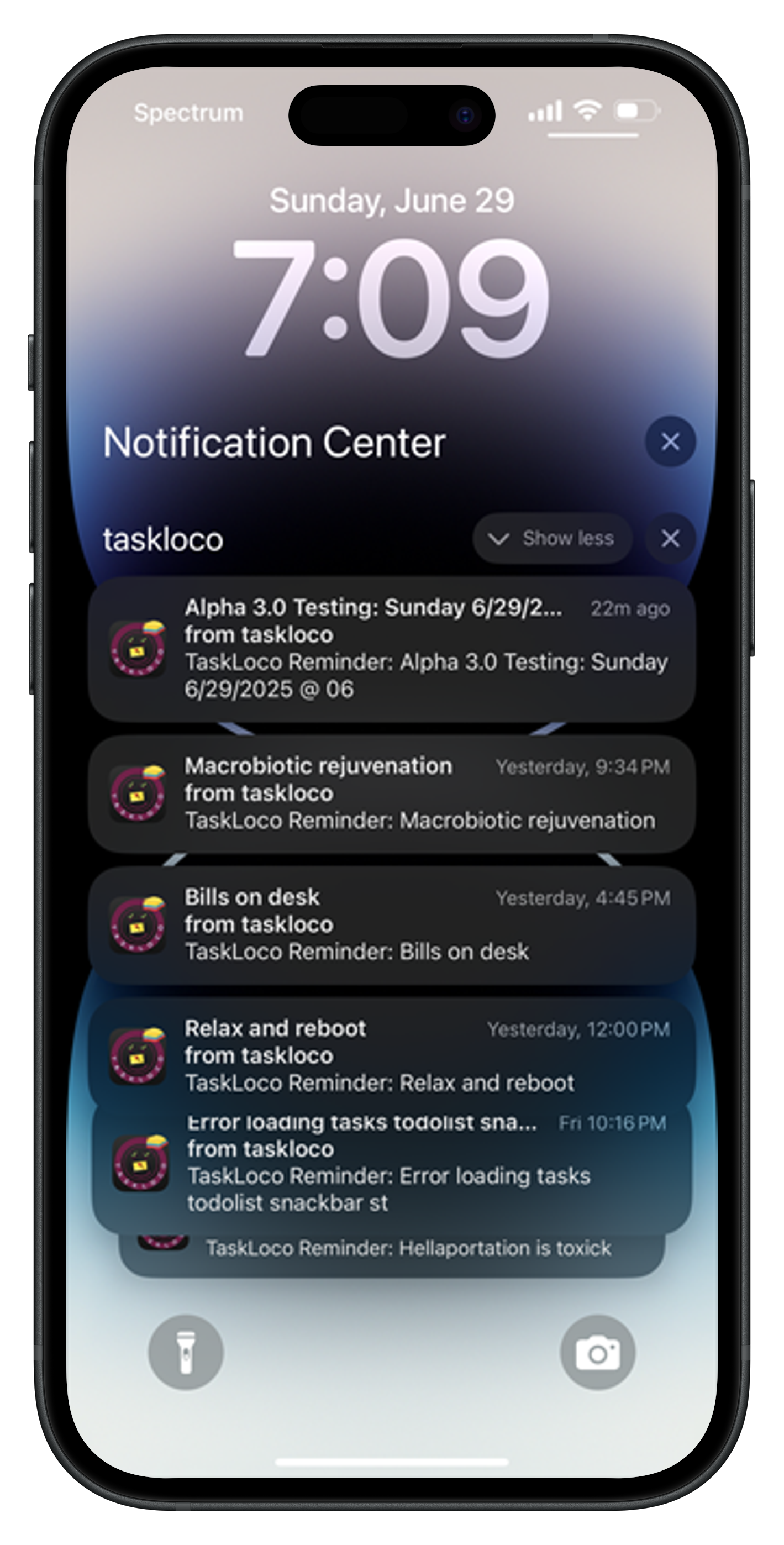
push notifications with optional email & SMS notifications available keep everyone informed without constant app checking, and the simple sharing model means less time managing the system and more time executing on what matters.





The Honest Comparison
| Feature | TaskLoco | Traditional GTD Apps |
|---|---|---|
| Instant capture | Chrome extension + instant note creation — capture in one click | Complex forms and categorization required upfront |
| Visual organization | Sticky note walls — see everything at a glance | Nested folders and project hierarchies |
| Weekly review | Calendar view + full-text search — fast review sessions | Complex dashboards with information overload |
| File attachments | 10GB storage — drag and drop any file type | Limited file support or expensive storage tiers |
| Reminders | Built-in with calendar integration | Separate reminder systems or missing entirely |
| Team sharing | Yes — included with Premium. Each team member requires a separate subscription — currently $9.99/month per person, but TaskLoco is offering a Charter Member special: 50% off for life, currently $4.99/month per person for the first 500 subscribers with code CHARTER50. | Complex access levels and project permissions |
| Cross-device sync | Real-time sync across all devices FREE | Sync available but often delayed or unreliable |
| Search functionality | Full-text search across notes and file contents | Basic search or title-only results |
| Mobile experience | Fast web app optimized for mobile browsers FREE | Heavy native apps or poor mobile optimization |
| Project templates | No templates — pure capture and organize approach | Complex templates that add overhead to simple tasks |
| Contexts and tags | Visual grouping without complex tagging systems | Overwhelming context and tag hierarchies |
| Natural language input | Simple text entry — no AI parsing complexity | AI parsing that often misinterprets input |
| Workflow automation | Manual control — no automation complexity | Complex automation that breaks GTD simplicity |
| Calendar integration | Built-in calendar view with reminder scheduling | External calendar sync with potential conflicts |
| Learning curve | Immediate productivity — intuitive sticky note interface FREE | Steep learning curve with complex feature sets |
| System maintenance | Minimal setup — focus on execution | Constant system tweaking and maintenance required |
| Distraction level | Clean interface — no feature bloat FREE | Feature-heavy interfaces that distract from work |
| Data export | Standard export options available | Limited export or proprietary formats |
Who Should Use Each
Use TaskLoco if…
- You want David Allen's GTD principles without enterprise project management complexity
- You need fast capture with the Chrome extension and instant note creation
- You prefer visual organization over nested folder hierarchies
- You want team coordination that preserves individual GTD workflows
- You need file attachments and reminders built into your GTD system
- You value simplicity and speed over feature bloat
Use Traditional GTD Apps if…
- You need complex project templates and workflow automation
- You require advanced reporting and analytics dashboards
- You need natural language parsing for task creation
- You prefer heavily structured context and tag hierarchies
- You need enterprise security compliance and SSO
Lock In 50% Off — Forever
7-day free trial. No charge until day 8. CHARTER50 auto-applies at checkout.
🔒 Lock In My Charter SpotSee TaskLoco in Action
Frequently Asked Questions
How does TaskLoco implement David Allen's GTD methodology?
TaskLoco focuses on GTD's core principles: instant capture with the Chrome extension, visual organization with sticky notes, easy review with calendar and search, and friction-free execution. It skips the complex project hierarchies that often derail GTD practice.
Can TaskLoco handle GTD contexts and next actions?
Yes, but through visual grouping rather than complex tagging systems. Group related notes together, set reminders for time-sensitive actions, and use search to find items by context during your weekly review.
Does TaskLoco work for team GTD implementation?
TaskLoco extends GTD to teams through simple sharing — team members clone shared notes into their personal systems. This preserves individual GTD workflows while enabling necessary collaboration.
How much does TaskLoco cost for GTD users?
$9.99/month per person (currently $4.99/month per person for first 500 charter members with code CHARTER50)
Can I do GTD weekly reviews effectively in TaskLoco?
Absolutely. Use calendar view to see everything due this week, search across all notes and files to review projects, and update action items directly. The simple interface makes reviews fast and focused.
Does TaskLoco support GTD file organization?
Yes, with 10GB file storage included. Attach any file type to notes, search file contents during review, and keep all project materials connected to their action items.
Is TaskLoco too simple for serious GTD practice?
TaskLoco delivers everything David Allen's methodology requires: trusted capture, simple organization, regular review, and clear action. It just removes the complexity that often prevents people from actually following GTD consistently.
Born in Brooklyn. Powered by AWS. Your data stays yours.
TaskLoco is available on iPhone, Android, Chrome, and every web browser.