You land on a competitor's pricing page, a clever campaign they're running, or a product feature you want to flag for your team. You think: I'll come back to this. You don't come back to it. The tab closes, the bookmark sits unlabeled in a folder you never open, and the insight is gone.
Saving competitor pages isn't really about bookmarking — it's about capturing context while you still have it. The URL alone is useless in two weeks. What matters is the note you write in the moment: what you noticed, why it matters, what you want to do about it. This guide walks through exactly how to build that habit, with or without any tool, and then shows the fastest way to make it stick.
The Right Way to Save a Competitor Page (Method That Actually Works)
Most people save pages by bookmarking them or copying the URL into a doc. Both methods share the same flaw: they separate the link from the thought you had when you found it. By the time you return, you've lost the why.
The method that holds up over time has three components, captured together at the moment of discovery:
- The URL — so you can return to the exact page, not just the homepage.
- The page title or a short label — enough to identify it in a list without clicking through.
- Your observation — one or two sentences about what caught your eye: their messaging angle, a feature gap, a pricing structure, a content format worth noting.
If you write the observation immediately, it takes under a minute. If you skip it and plan to remember later, you won't — or you'll write something vague like "check this" that tells you nothing.
If you want a zero-tool version: keep a single running Google Doc or Notion page titled "Competitor Watch." Every time you find something worth saving, paste the URL, write one sentence, and move on. The key is that it's always the same place and always takes under 60 seconds. The moment saving becomes a multi-step process, you'll start skipping it.
How to Build a Competitive Research Habit That Doesn't Fall Apart
A one-time save is useful. A consistent habit is valuable. The difference is usually friction — if saving feels like work, you do it once when you're motivated and then stop. Here's how to make it automatic.
Set a context trigger, not a calendar reminder. Don't schedule time for competitive research. Instead, decide that any time you land on a competitor's page during normal browsing — whether you went there on purpose or ended up there from a link — you save it before you close the tab. The trigger is the tab, not the clock.
Use a single destination. The biggest mistake is saving to different places depending on your mood: sometimes a browser folder, sometimes a doc, sometimes a Slack message to yourself. Pick one place and route everything there. When you go to review your saved pages, you'll only look in one spot.
Write your note while the tab is open. This sounds obvious but most people think they'll add context later. They don't. The note you write while looking at the page — even two sentences — is worth more than the note you plan to write.
Review weekly, not in real time. You don't need to act on every saved page immediately. A short weekly pass through what you've captured — deciding what's actionable, what's just interesting, and what you can delete — is enough to turn scattered saves into real competitive awareness.
What to Actually Note When You Save a Competitor Page
Most competitive notes are too vague to be useful. "Interesting approach" or "look at their pricing" don't help you when you come back three weeks later. Here's a simple framework for what to write in the moment.
What specifically caught your attention? Not the page in general — the specific element. Their hero copy, a feature they've added, a case study format, a CTA they're testing, the way they've structured their navigation.
What does it suggest about their strategy? Are they going after a different audience? Repositioning on price? Leaning into a use case you've ignored? You don't need a long analysis — one sentence of interpretation is enough.
Is there something you want to do with this? Share it with someone, revisit it before a specific meeting, test a similar approach, flag it for a content piece? If there's an action, write it down. If there isn't, that's fine — some saves are just signal, not tasks.
- Bad note: "Check their pricing page again"
- Better note: "They removed the free tier and added a 'most popular' badge to the mid plan — worth watching if we see churn change"
- Bad note: "Good landing page"
- Better note: "They lead with the outcome, not the feature — consider testing this angle on our onboarding page"
The goal isn't exhaustive analysis. It's enough context that future-you can make a decision without re-reading the whole page.
One Practical Way to Apply This: The Sticky Note Web Clipper
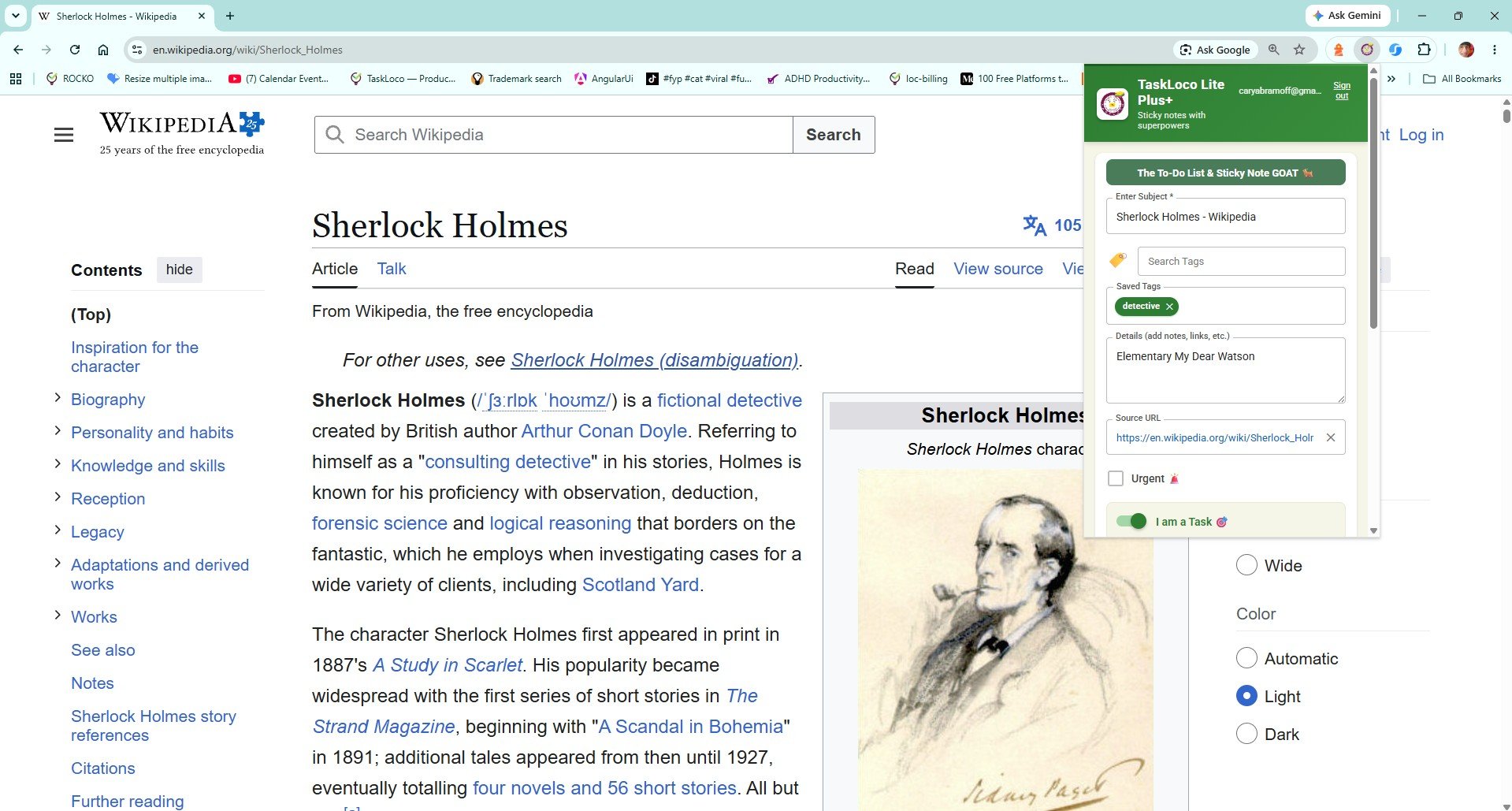
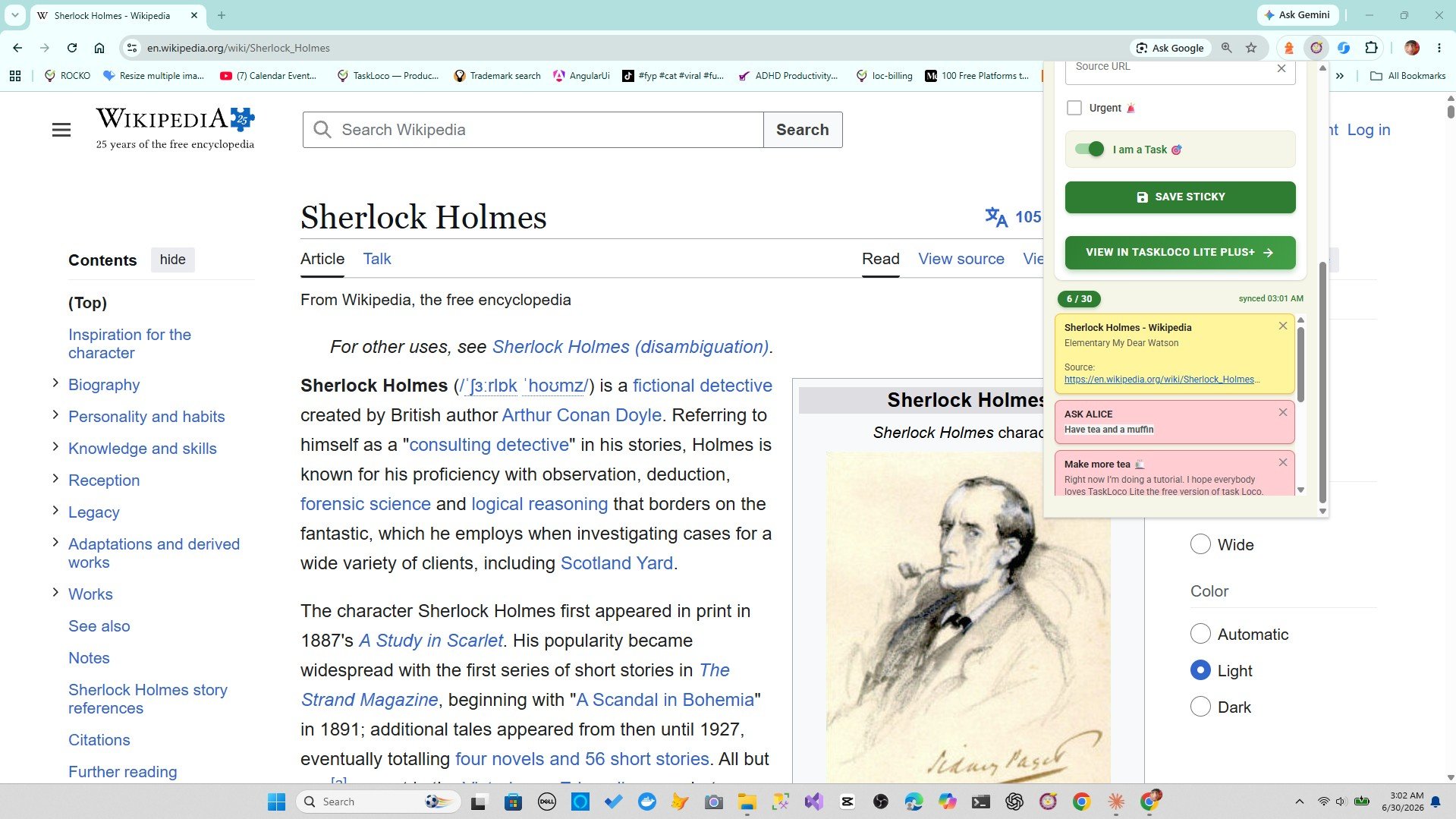
If you want to make the habit described above nearly frictionless, the Sticky Note Web Clipper is worth a look. It's a free Chrome extension from TaskLoco that reduces saving a competitor page to a single click on the toolbar icon — the page title and URL are auto-filled as a sticky note, and you add your observation right there before moving on.
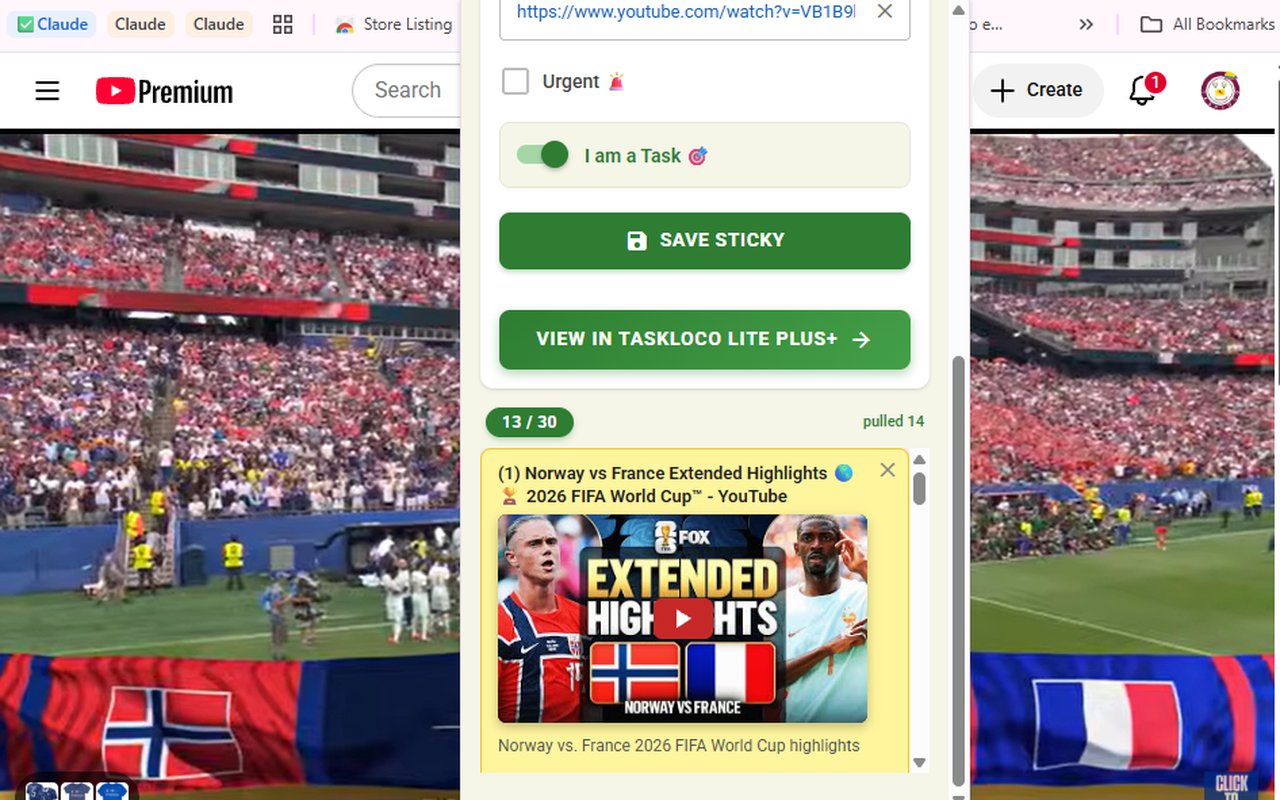
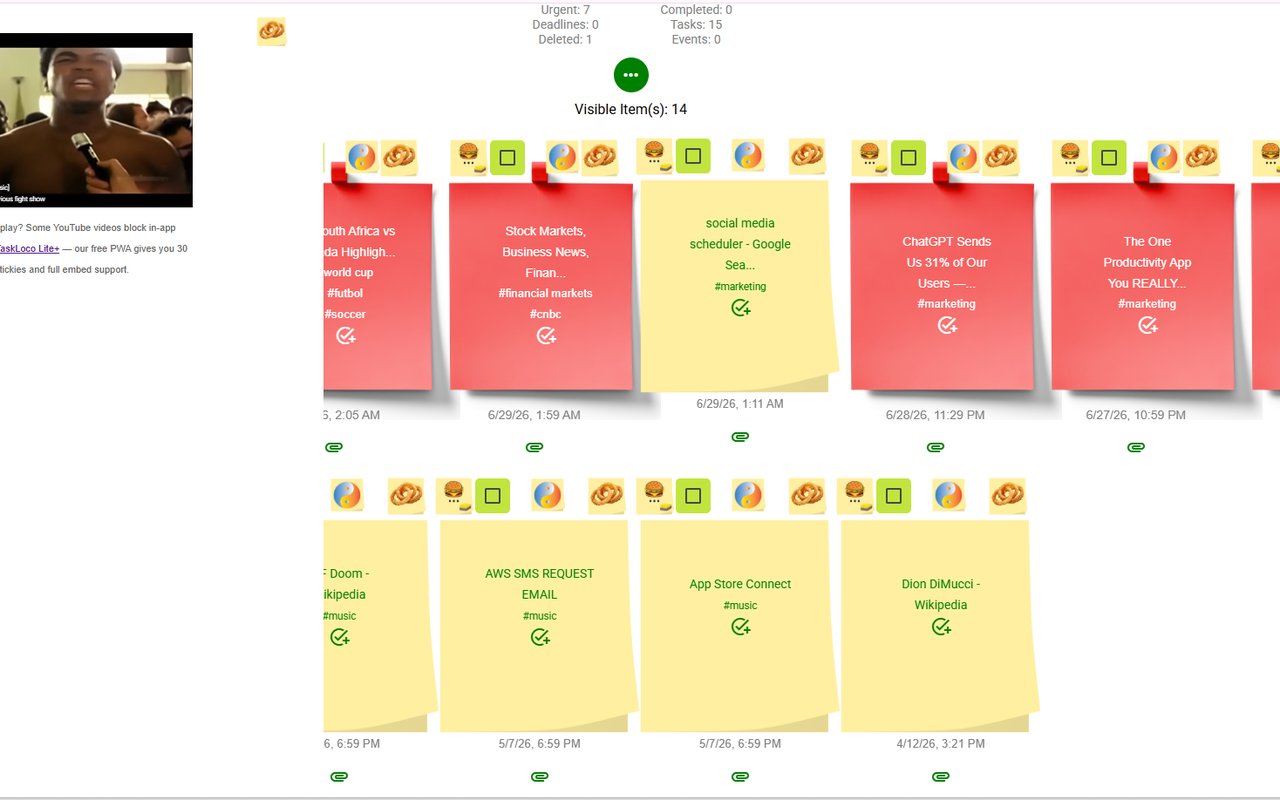
The note lives in TaskLoco, so it's available on your phone and desktop without any manual sync. If you save a YouTube video — say, a competitor's product walkthrough or a conference talk — it embeds directly in the note and plays inline, so you don't need to go back to YouTube to remember what you were looking at.
You can tag notes and search across everything you've saved, which matters once your competitive research library grows past a handful of items. Finding all the pages you tagged "competitor-pricing" or "messaging" takes seconds.
It's free to install and takes about ten seconds to set up. Sign in with Google, click the toolbar icon on any competitor page, write your note, and you're done.
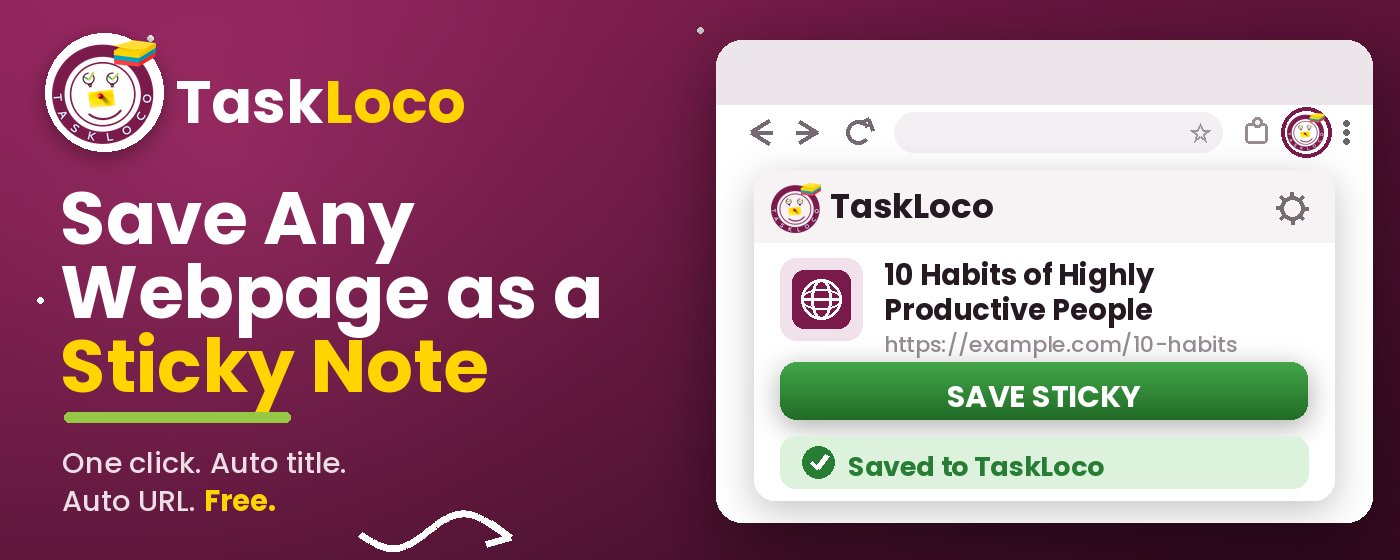
The Sticky Note Web Clipper is free. Install it from the Chrome Web Store, sign in with Google, and every page you clip becomes a sticky note you can find later.
Your clipped notes sync to TaskLoco across Chrome, desktop, iPhone, and Android — also free to start. No credit card to begin.
Get the Free Clipper
Sticky Note Web Clipper
- Free Chrome extension
- One-click save — any page, article, or video
- Title & URL auto-filled
- Tags & search
- Free forever
Synced to TaskLoco
- Sign in free with Google
- Your wall on Chrome, desktop, iPhone, Android
- YouTube videos embed & play in notes
- Visual sticky-note wall
- Free to start
Add It to Chrome — Free
One click saves any page, article, or YouTube video as a sticky note. Title and URL auto-filled.
Add to Chrome — FreeSee TaskLoco in Action
Frequently Asked Questions
What's the best way to save a competitor's page with my own notes attached?
Save the URL, a short label, and your observation all in the same place at the moment you find the page. Don't separate the link from the note — by the time you return to add context, you'll have lost the original thought. The Sticky Note Web Clipper does this in one click: it auto-fills the title and URL, and you type your note before closing the tab.
Can I just use browser bookmarks to track competitor pages?
You can, but bookmarks have a real limitation: they only store the URL and the page title. They don't store your note — the observation you had when you found the page. A folder called "Competitors" with forty unlabeled bookmarks tells you almost nothing when you go back to it. If plain bookmarks are working for you and you only have a handful of pages, they're fine. If you're saving more than a few pages and actually want to revisit them with context, you need a way to attach notes at the moment of capture.
How do I save a competitor's YouTube video with notes for research?
With the Sticky Note Web Clipper, clicking the toolbar icon on any YouTube video saves it as a sticky note with the title and URL auto-filled. The video embeds directly into the note and plays inline — so when you come back to it, you can watch it in context alongside the notes you wrote when you saved it. This is particularly useful for competitor product walkthroughs, demo videos, or conference talks.
How should I organize saved competitor pages so I can find them later?
The simplest system that actually holds up is tags plus a consistent naming habit. When you save a page, tag it by the type of content — pricing, messaging, features, campaigns, content — and by competitor if you're tracking multiple. A short note written at save time means you can often find what you're looking for by searching your notes without even needing the tags. The Sticky Note Web Clipper lets you tag and search everything you've saved inside TaskLoco.
How often should I review saved competitor pages?
Weekly is usually the right cadence. Real-time review for every save creates too much context-switching during normal browsing. A short pass once a week — deciding what's actionable, what's just interesting signal, and what you can delete — is enough to turn a collection of saved pages into actual competitive awareness. The key is that it's a regular habit, not something you do when you suddenly need the information.
Is the Sticky Note Web Clipper free?
Yes — the extension is completely free. Install it from the Chrome Web Store, sign in with Google, and start clipping. TaskLoco, where your notes are saved and synced, also has a free tier.
Does the clipper work on any website, or just certain pages?
It works on any page you can open in Chrome — competitor websites, news articles, research pages, blog posts, YouTube videos, product pages, documentation, anything with a URL. Click the toolbar icon and the current tab is saved as a sticky note with the title and URL already filled in.
Born in Brooklyn. Powered by AWS. Your data stays yours.
TaskLoco is available on iPhone, Android, Chrome, and every web browser.