
Jira was built for massive software teams tracking thousands of issues across complex workflows. But most teams just need a simple way to capture tasks, set reminders, share files, and keep everyone on the same page without enterprise bloat.
TaskLoco gives you everything you need to manage work — notes, tasks, reminders, calendar view, file attachments, and team sharing — without forcing you through ticket workflows designed for Fortune 500 companies. It's productivity software that actually feels productive.
TaskLoco Premium is regularly $9.99/month per person. Right now, charter members can lock in 50% off the regular price — forever. That means $4.99/month per person today. And if our price ever goes up, you still pay half. Always.
Code CHARTER50 auto-applies at checkout. First 500 spots only — once they're gone, this offer is gone permanently. Act fast while spots last.
Every Premium subscription includes unlimited notes, 10GB file storage, reminders, calendar, and team sharing. Each team member requires a separate subscription. 7-day free trial — no charge until day 8. Cancel anytime.
Free Options: TaskLoco vs Jira
TaskLoco Lite
- Native iPhone & Android app
- Completely anonymous — no sign-in
- Data stays on your device
- Up to 20 notes
- Free forever
TaskLoco Lite Plus+
- Web app + Chrome extension
- Sign in with Google
- Wall syncs across all devices
- Up to 30 notes
- Free forever
Why Teams Choose TaskLoco Over Jira
Jira forces every task through ticket workflows with fields, statuses, and approval chains. TaskLoco lets you write a note, set a reminder, attach files, and share with your team. Done.
The difference is immediate. Instead of clicking through multiple screens to create an issue, assign it, set priority levels, and navigate project boards, you type what needs to happen and move on with your day.
Teams switch because they want to focus on getting work done instead of managing the tools that manage their work. TaskLoco gives you tasks, reminders, calendar integration, and team collaboration without the enterprise ceremony.

Simple File Management vs Jira Attachments
Jira treats file attachments like evidence in a court case — everything gets logged, versioned, and buried in issue threads. TaskLoco treats files like tools you actually need to access.
Drag a file onto any note and it's attached instantly. Share the note and everyone gets the file. No permissions matrix, no admin approval, no confusion about who can see what. Files live where you put them and work exactly like you'd expect.
Your team can share project files, reference documents, screenshots, and design assets without navigating Jira's complex attachment system or waiting for access permissions to propagate.

Two Free Options vs Jira's Trial
Jira gives you a limited trial that expires. TaskLoco gives you two completely free options that work forever — no credit card, no expiration, no surprise bills.
TaskLoco Lite runs natively on your phone with 20 notes stored locally. No sign-in required, completely anonymous, perfect for personal task tracking. TaskLoco Lite Plus+ adds cloud sync and extends to 30 notes across all your devices.
Both free tiers let you test the core experience without time pressure. When you're ready for unlimited notes, reminders, calendar view, file attachments, and team sharing, Premium gives you everything for one simple price per person.

Chrome Extension vs Browser Bookmarks
Jira relies on browser bookmarks and manual URL copying to save web references. TaskLoco's Chrome extension captures any webpage in one click and turns it into a note with the full context preserved.
Research a vendor, capture the page. Find a useful article, save it instantly. Discover a competitor's feature, grab it for later review. The extension works with both free tiers and Premium — no separate subscription required.
Your captured pages sync across all devices, so references you save on your laptop appear immediately on your phone. Everything stays organized in your note wall instead of scattered across browser bookmarks that only work on one device.





The Honest Comparison
| Feature | TaskLoco | Jira |
|---|---|---|
| Free tier | Two free tiers — Lite (20 notes, no sign-in) and Lite Plus+ (30 notes, synced) FREE | Limited trial period only |
| Task creation | Type and go — no forms, workflows, or mandatory fields | Complex issue creation with required fields and workflows |
| File attachments | Drag and drop any file type — 10GB storage included with Premium | Attachment system tied to issue workflows |
| Mobile experience | Native app (Lite) plus optimized web app for full features FREE | Mobile app focused on issue tracking workflows |
| Team sharing | Yes — included with Premium. Each team member requires a separate subscription — currently $9.99/month per person, but TaskLoco is offering a Charter Member special: 50% off for life, currently $4.99/month per person for the first 500 subscribers with code CHARTER50. | Project-based permissions with admin configuration |
| Calendar integration | Built-in calendar view for all notes and reminders | Limited calendar features focused on sprint planning |
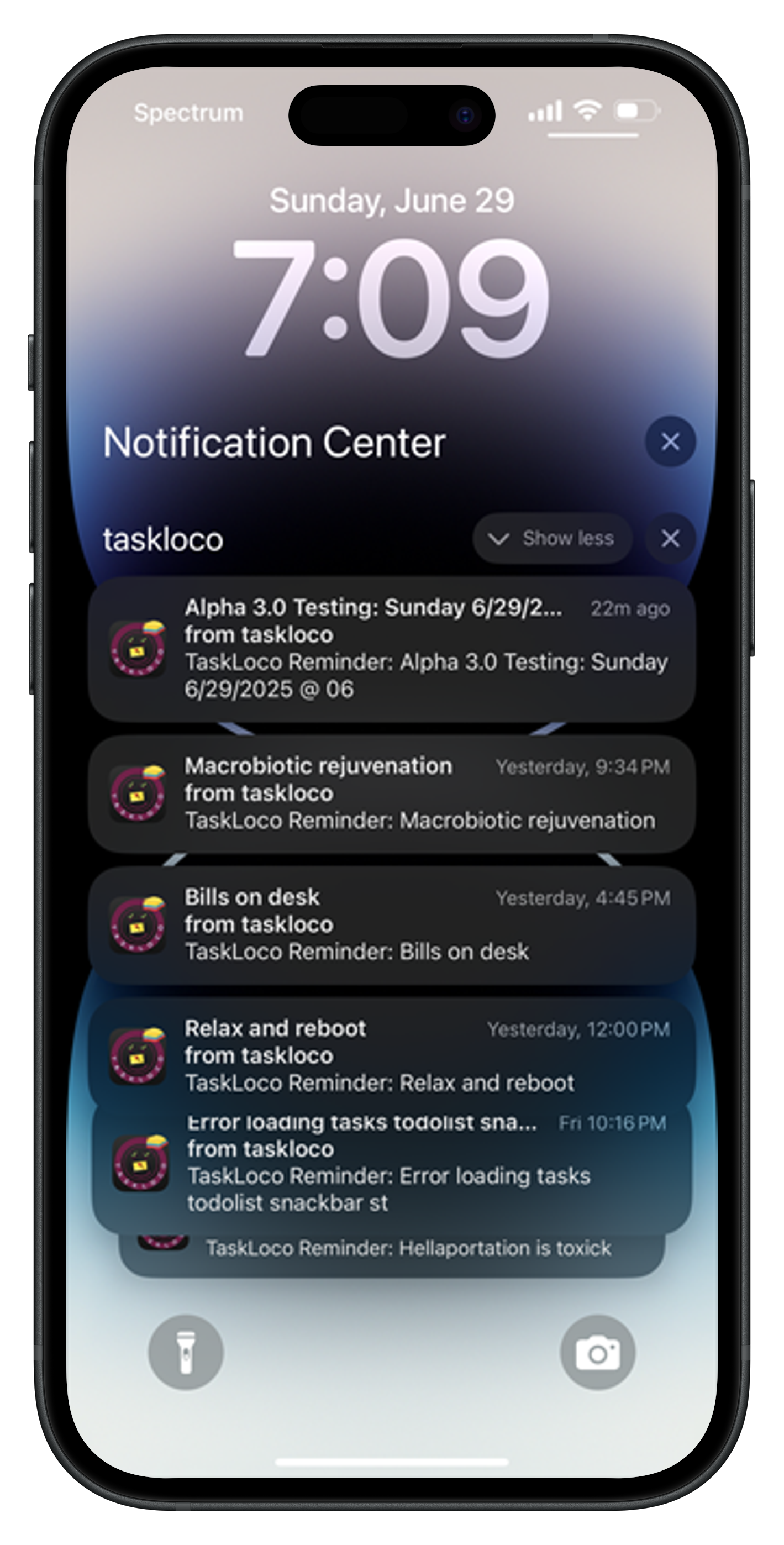
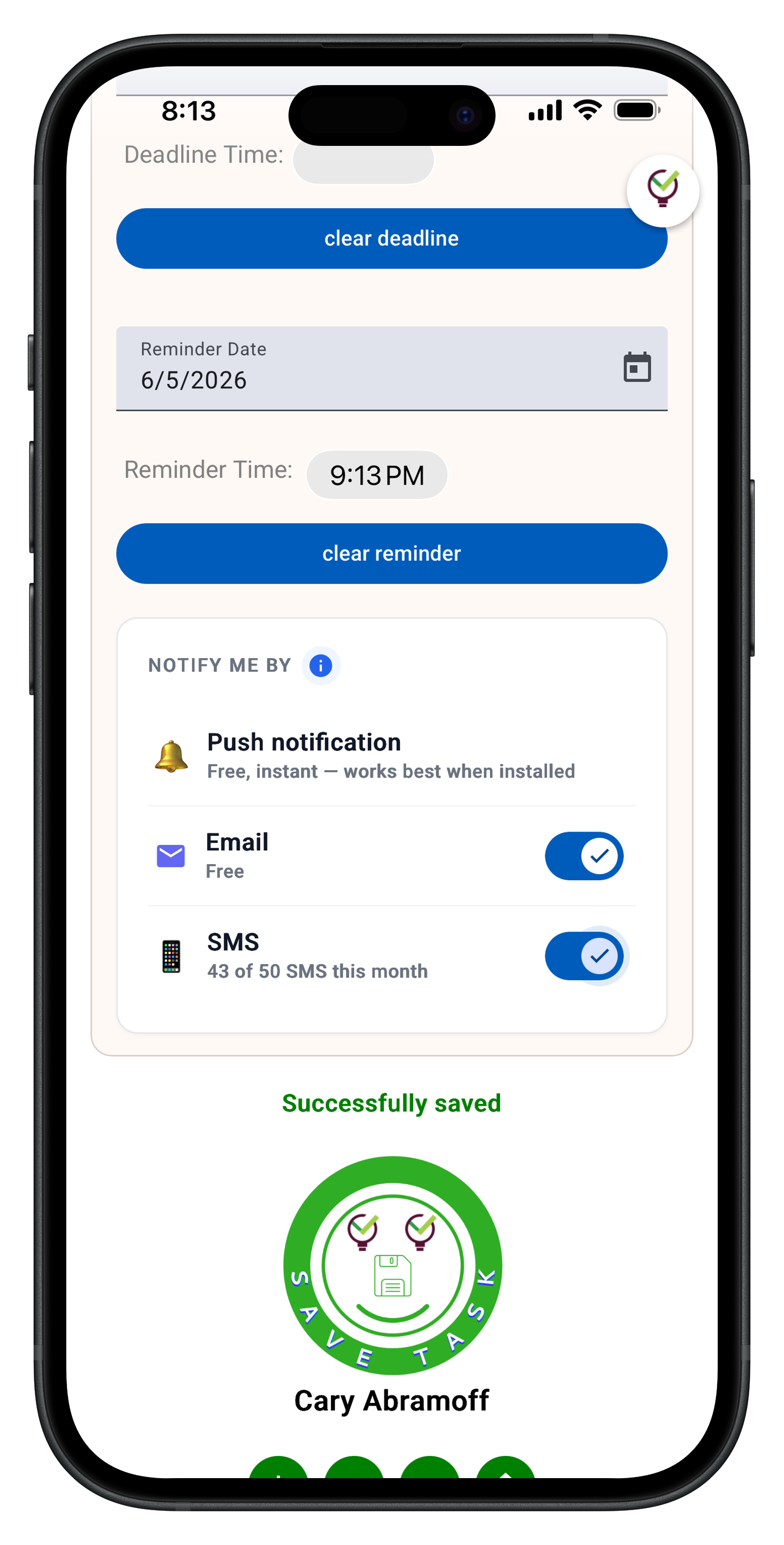
| Reminders | Set reminders on any note — push notifications with optional email & SMS notifications available included | Notification system tied to issue assignments and workflows |
| Search functionality | Full-text search across all notes and file attachments | Advanced search with JQL (Jira Query Language) |
| Chrome extension | One-click webpage capture — free with all tiers FREE | No dedicated webpage capture extension |
| Setup complexity | Start using immediately — no configuration required FREE | Requires project setup, workflow configuration, user permissions |
| Cross-device sync | Real-time sync across all devices with Lite Plus+ and Premium FREE | Cloud sync with account required |
| Learning curve | Intuitive sticky note interface — start productive immediately FREE | Steep learning curve for non-technical users |
| Project dependencies | Simple task lists without complex dependencies | Advanced dependency tracking and Gantt charts |
| Custom workflows | Fixed simple workflow — note creation to completion | Highly customizable workflows and automation |
| Reporting and analytics | Basic task completion tracking | Advanced reporting, burndown charts, velocity tracking |
| Third-party integrations | Limited integrations focused on core productivity | Extensive marketplace with thousands of integrations |
| Enterprise features | Simple team sharing without enterprise overhead | Full enterprise features — SSO, compliance, advanced admin controls |
| Anonymous usage | Lite version requires no account — completely anonymous FREE | Account required for all features |
Who Should Use Each
Use TaskLoco if…
- You want to track tasks and deadlines without enterprise project management overhead
- Your team needs simple file sharing and collaboration without complex permissions
- You prefer typing notes naturally instead of filling out issue forms
- You want reminders and calendar integration built into your task management
- Your workflow doesn't require custom fields, dependencies, or approval chains
- You need a tool that works immediately without setup or configuration
Use Jira if…
- You manage complex software development projects with multiple dependencies
- Your organization requires advanced reporting, burndown charts, and velocity tracking
- You need custom workflows with approval processes and automated transitions
- Your team relies heavily on third-party integrations and API access
- You require enterprise compliance features and single sign-on (SSO)
- Your project management needs include Gantt charts and resource allocation
Lock In 50% Off — Forever
7-day free trial. No charge until day 8. CHARTER50 auto-applies at checkout.
🔒 Lock In My Charter SpotSee TaskLoco in Action
Frequently Asked Questions
Why choose TaskLoco over Jira for task management?
TaskLoco focuses on getting work done instead of managing complex project workflows. You get notes, tasks, reminders, calendar integration, and file sharing without Jira's enterprise overhead. $9.99/month per person (currently $4.99/month per person for first 500 charter members with code CHARTER50)
Can TaskLoco handle team collaboration like Jira?
Yes, but simpler. TaskLoco Premium includes team sharing where you share notes like emails — recipients can clone shared notes and make them their own. No complex permissions, no admin configuration needed.
Does TaskLoco work on mobile devices?
TaskLoco offers both a native mobile app (Lite version with 20 notes stored locally) and an optimized web app that works perfectly on mobile browsers for Lite Plus+ and Premium features.
How does file sharing work in TaskLoco compared to Jira?
Drag any file onto a TaskLoco note and it's attached instantly. Share the note and everyone gets the file. No workflow approvals or complex permissions. Premium includes 10GB storage with stackable add-ons up to 1TB.
Can I try TaskLoco without signing up?
Yes — TaskLoco Lite runs natively on your phone with no sign-up required. It's completely anonymous and stores 20 notes locally. TaskLoco Lite Plus+ adds cloud sync with a Google account for 30 notes across devices.
Does TaskLoco integrate with other tools like Jira does?
TaskLoco focuses on core productivity features rather than extensive integrations. It includes a Chrome extension for webpage capture and covers the essential workflow most teams need without integration complexity.
What's the main difference between TaskLoco and Jira?
Jira is built for enterprise software teams managing complex projects with dependencies, workflows, and reporting. TaskLoco is built for teams that want simple task tracking, reminders, file sharing, and collaboration without the enterprise ceremony.
Born in Brooklyn. Powered by AWS. Your data stays yours.
TaskLoco is available on iPhone, Android, Chrome, and every web browser.