
Cal Newport advocates for digital minimalism — using technology intentionally to support deep work rather than fragmenting attention. Most productivity apps violate this principle with endless notifications, social features, and complex interfaces that create more distraction than focus.
TaskLoco takes a different approach. Built around the simple concept of digital sticky notes, it gives you the essential tools — tasks, reminders, files, calendar — without the attention-stealing features that Newport warns against.
TaskLoco Premium is regularly $9.99/month per person. Right now, charter members can lock in 50% off the regular price — forever. That means $4.99/month per person today. And if our price ever goes up, you still pay half. Always.
Code CHARTER50 auto-applies at checkout. First 500 spots only — once they're gone, this offer is gone permanently. Act fast while spots last.
Every Premium subscription includes unlimited notes, 10GB file storage, reminders, calendar, and team sharing. Each team member requires a separate subscription. 7-day free trial — no charge until day 8. Cancel anytime.
Free Options: TaskLoco vs Cal Newport's Philosophy
TaskLoco Lite
- Native iPhone & Android app
- Completely anonymous — no sign-in
- Data stays on your device
- Up to 20 notes
- Free forever
TaskLoco Lite Plus+
- Web app + Chrome extension
- Sign in with Google
- Wall syncs across all devices
- Up to 30 notes
- Free forever
Digital Minimalism in Practice
Newport's core principle is using technology that serves a specific purpose without adding friction or distraction. TaskLoco delivers exactly this — each note serves one clear purpose, whether it's a task, reminder, or reference material.
Unlike productivity platforms that encourage constant engagement through feeds, comments, and status updates, TaskLoco keeps you focused on your actual work. No activity streams, no gamification, no social elements that pull you away from deep work sessions.
The Chrome extension captures web content in one click without breaking your flow. Mobile access through the web app means no separate native app cluttering your phone with notifications.

Attention-Preserving Features
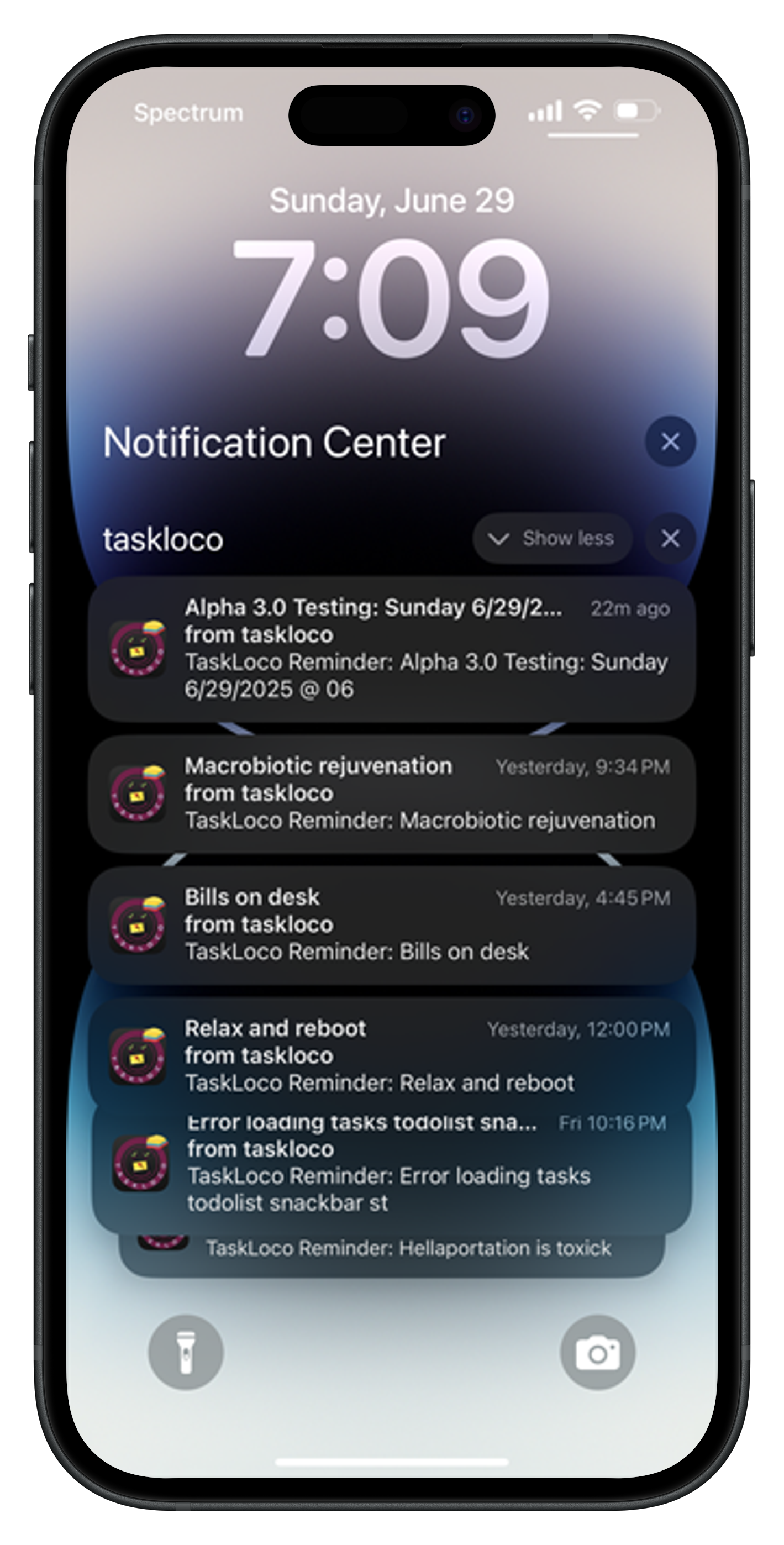
Newport emphasizes protecting your attention from unnecessary digital stimulation. TaskLoco's design philosophy aligns perfectly — reminders appear only when you set them, not as constant badge notifications or pop-ups throughout your day.
File attachments integrate directly into notes without forcing you into separate document management systems. Everything stays in context, reducing the cognitive load of switching between different tools and interfaces.
The calendar view shows your tasks and deadlines without the social features found in team collaboration platforms. Clean, purposeful, focused on helping you see what needs attention.

Deep Work Compatible Design
Newport's research shows that context switching destroys productivity. TaskLoco minimizes this by keeping related information together in single notes — task details, files, deadlines, and context all in one place.
The search function finds content across all notes and attachments instantly, eliminating the need to remember which system holds which information. One search, all results, back to work.
TaskLoco Lite runs completely on your device with no account required — perfect for Newport's recommendation to reduce digital dependencies. For teams that need sync, Premium provides it without the complexity of enterprise platforms.

Pricing That Respects Your Budget
$9.99/month per person (currently $4.99/month per person for first 500 charter members with code CHARTER50)
This straightforward pricing reflects Newport's principle of intentional technology use — you know exactly what you're getting and what it costs, with no hidden tiers or feature limitations designed to push you toward higher plans.
The charter offer recognizes that the best productivity tools grow with you over time. Lock in your rate now and focus on your work, not on evaluating pricing changes.





The Honest Comparison
| Feature | TaskLoco | Cal Newport's Philosophy |
|---|---|---|
| Interface complexity | Deliberately minimal — sticky notes interface with essential features only | Complex interfaces with multiple navigation layers and feature discovery |
| Social features | None — pure focus on work without social distractions | Activity feeds, comments, likes, and engagement features |
| Notifications | Only when you set reminders — respects your attention boundaries | Constant notifications for updates, mentions, and platform engagement |
| Learning curve | Immediate — if you can use sticky notes, you can use TaskLoco | Steep learning curves requiring training and onboarding |
| Context switching | Minimal — everything related stays in one note | High context switching between different views and modules |
| File integration | Seamless — attach files directly to relevant notes | Separate document management requiring additional navigation |
| Search functionality | Unified search across all notes and attachments | Compartmentalized search within different platform sections |
| AI features | None — preserves human thinking and decision-making | AI suggestions that interrupt workflow and require evaluation |
| Team collaboration | Simple sharing like email — clone notes and work independently | Complex permission systems requiring administrative management |
| Mobile experience | Web app — no separate native app cluttering your phone | Multiple native apps with separate notification settings |
| Pricing transparency | Single clear price per person with all features included | Complex tiered pricing with feature limitations |
| Feature bloat | Intentionally limited to essential productivity tools | Extensive feature sets that complicate simple tasks |
| Calendar integration | Built-in calendar view without separate calendar app complexity | Multiple calendar integrations requiring setup and maintenance |
| Account requirements | TaskLoco Lite requires no account — completely anonymous use FREE | All features require account creation and data sharing |
| Distraction resistance | Designed to minimize attention fragmentation | Features often increase distraction and context switching |
| Administrative overhead | Minimal — create notes and work | Significant time spent managing the tool rather than using it |
| Deep work compatibility | Supports focused work sessions without interruption | Platform features often interrupt deep work |
Who Should Use Each
Use TaskLoco if…
- You practice digital minimalism and want tools that respect your attention
- You need essential productivity features without social or engagement elements
- You prefer simple interfaces that don't require training or feature discovery
- You want to minimize context switching and administrative overhead
- You value pricing transparency with all features included at one rate
Use Cal Newport's Philosophy if…
- You require extensive project management features like Gantt charts and dependencies
- Your organization needs enterprise compliance and advanced security certifications
- You want AI-powered features and automated workflow suggestions
- Your team collaboration requires complex permission systems and access controls
Lock In 50% Off — Forever
7-day free trial. No charge until day 8. CHARTER50 auto-applies at checkout.
🔒 Lock In My Charter SpotSee TaskLoco in Action
Frequently Asked Questions
How does TaskLoco support Cal Newport's digital minimalism principles?
TaskLoco eliminates social features, constant notifications, and interface complexity that Newport identifies as attention-fragmenting. It provides essential productivity tools — notes, tasks, reminders, files — without the engagement features that create digital distraction.
Does TaskLoco require constant internet connection like other productivity apps?
TaskLoco Lite runs completely on your device with no account required, perfect for digital minimalism. TaskLoco Premium requires internet for sync and team features but maintains the same distraction-free interface philosophy.
How does TaskLoco minimize context switching?
Everything related to a task stays in one note — details, files, deadlines, and context. Unified search finds information across all notes instantly, eliminating the need to remember which system contains what information.
What's TaskLoco's approach to team collaboration without social features?
Team sharing works like email — send a note to colleagues who can clone it and make it their own. No activity feeds, no comments, no status updates that fragment attention from actual work.
How much does TaskLoco cost for digital minimalism-focused productivity?
$9.99/month per person (currently $4.99/month per person for first 500 charter members with code CHARTER50)
Does TaskLoco include AI features that interrupt workflow?
No. TaskLoco deliberately excludes AI suggestions and automated features that require constant evaluation and decision-making, preserving your cognitive resources for actual work.
How does TaskLoco handle mobile access without app clutter?
TaskLoco Premium runs through your mobile browser rather than requiring a separate native app. This reduces phone clutter and notification complexity while maintaining full functionality for capturing and reviewing tasks.
Born in Brooklyn. Powered by AWS. Your data stays yours.
TaskLoco is available on iPhone, Android, Chrome, and every web browser.