
Kanban boards promise organization but deliver complexity. You spend more time managing columns and moving cards than actually getting work done. The visual appeal quickly turns into visual clutter when every task needs a category, a stage, and a workflow position.
TaskLoco takes the best part of kanban — visual task management — and strips away everything that slows you down. No mandatory columns. No workflow stages. Just sticky notes that work exactly like the ones on your desk, but with reminders, file attachments, and team sharing built in.
TaskLoco Premium is regularly $9.99/month per person. Right now, charter members can lock in 50% off the regular price — forever. That means $4.99/month per person today. And if our price ever goes up, you still pay half. Always.
Code CHARTER50 auto-applies at checkout. First 500 spots only — once they're gone, this offer is gone permanently. Act fast while spots last.
Every Premium subscription includes unlimited notes, 10GB file storage, reminders, calendar, and team sharing. Each team member requires a separate subscription. 7-day free trial — no charge until day 8. Cancel anytime.
Free Options: TaskLoco vs Kanban boards
TaskLoco Lite
- Native iPhone & Android app
- Completely anonymous — no sign-in
- Data stays on your device
- Up to 20 notes
- Free forever
TaskLoco Lite Plus+
- Web app + Chrome extension
- Sign in with Google
- Wall syncs across all devices
- Up to 30 notes
- Free forever
Why Kanban Boards Feel Like Work Instead of Help
Traditional kanban tools force every task through predefined stages — To Do, In Progress, Done. This works great for assembly lines but feels artificial for knowledge work where tasks don't follow linear paths.
You end up spending mental energy deciding which column a task belongs in, then moving it through stages that don't match how you actually work. Email responses, quick fixes, and creative projects all get squeezed into the same rigid framework.
Your brain doesn't think in columns. It thinks in priorities, contexts, and connections. TaskLoco's sticky note approach mirrors this natural thinking pattern — important tasks stay visible, completed ones get archived, and everything else organizes itself around what matters most.

The Power of True Flexibility
Kanban boards lock you into their visual metaphor. Every task becomes a card. Every workflow becomes columns. Every update requires dragging and dropping between predetermined stages.
TaskLoco notes adapt to whatever you're working on. A quick reminder stays as a single line. A complex project becomes a detailed note with file attachments. Client communication gets captured with screenshots and links. No reformatting required.
The Chrome extension captures any webpage in one click, turning research into actionable notes. Reminders deep-link back to the original context, so you never lose track of where something came from.
This flexibility means less time organizing your organization system and more time using it to get actual work done.

Team Sharing Without Workflow Overhead
Kanban tools often come with collaboration features that assume everyone works the same way. Shared boards require everyone to follow the same column structure, assignment rules, and update protocols.
TaskLoco's team sharing works more like email. You share specific notes with specific people. They can clone shared notes and make them their own, adapting the information to their workflow without affecting your original.
No permissions to manage. No access levels to configure. No training required on your team's specific board setup. Just share the note that matters and let people work with it however makes sense for them.
This approach scales naturally because it doesn't impose process overhead. Small updates get shared quickly. Complex projects get detailed notes. Emergency items get immediate visibility. The tool adapts to the situation instead of forcing situations to adapt to the tool.

Reminders That Actually Connect Back to Work
Most kanban tools treat reminders as afterthoughts — basic due dates that pop up with minimal context. You get a notification that something is due, but finding the actual work requires navigating back through boards and cards.
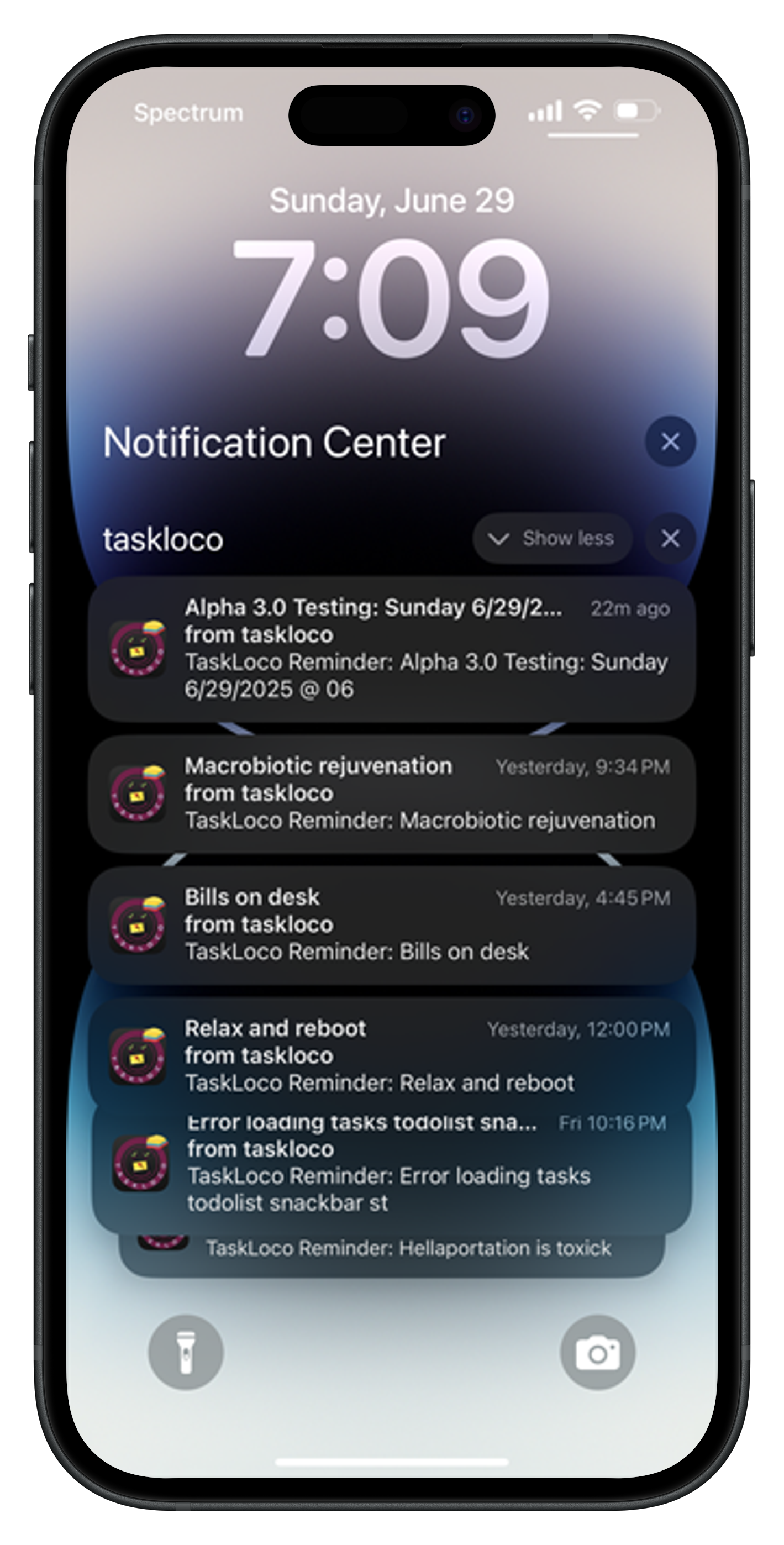
TaskLoco reminders are delivered as push notifications that deep-link directly back to the original note. Everything you need — the task details, attached files, related links, team context — appears immediately when you click the reminder.
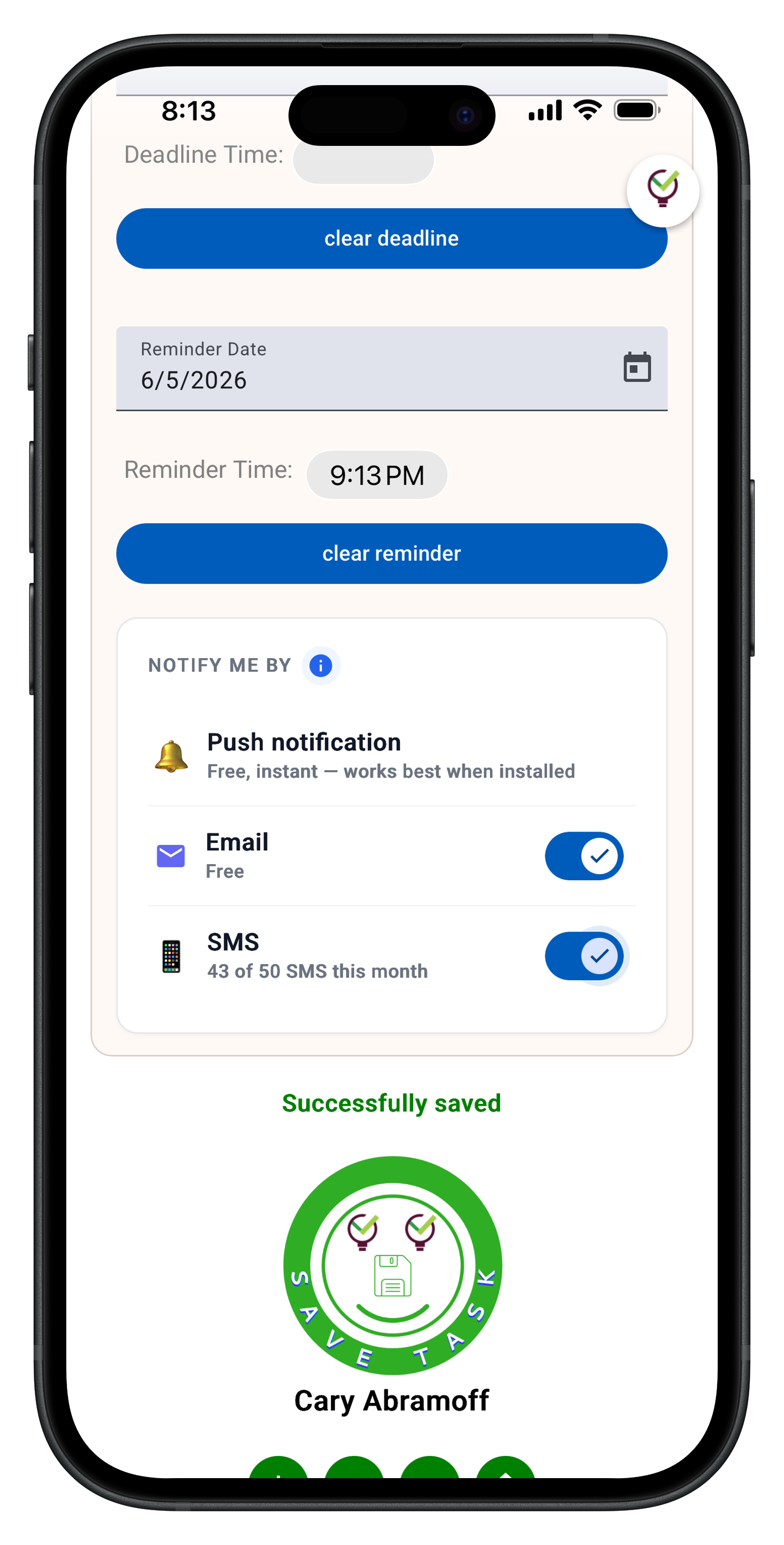
Optional email and SMS notifications are available for critical items, but the primary mechanism is push notifications to your phone and computer. No inbox management required.
This contextual reminder system means less time reconstructing what you were thinking and more time continuing where you left off. The tool remembers the details so your brain can focus on the work.





The Honest Comparison
| Feature | TaskLoco | Kanban boards |
|---|---|---|
| Free tier options | Two free tiers — Lite (20 notes, no sign-in) and Lite Plus+ (30 notes, synced) FREE | Usually boards with few cards |
| Setup complexity | Start with blank notes — no columns, workflows, or configuration required | Must define columns, stages, and workflow rules upfront |
| Task flexibility | Notes adapt to any format — quick reminders to detailed projects | All tasks must fit card format and column structure |
| File attachments | 10GB storage included — attach files directly to notes | Usually limited attachment sizes or requires separate file management |
| Web capture | Chrome extension captures any webpage in one click FREE | Requires manual copy-paste or third-party integrations |
| Reminder system | Push notifications that deep-link back to full note context | Basic due date alerts with minimal context |
| Team sharing | Yes — included with Premium. Each team member requires a separate subscription — currently $9.99/month per person, but TaskLoco is offering a Charter Member special: 50% off for life, currently $4.99/month per person for the first 500 subscribers with code CHARTER50. | Shared boards require everyone to follow same structure |
| Mobile experience | Full web app functionality in mobile browser | Often limited mobile board navigation and editing |
| Search capability | Full-text search across all notes and file contents | Usually searches card titles and descriptions only |
| Calendar integration | Built-in calendar view shows reminders and deadlines | Requires separate calendar sync or third-party integration |
| Organization method | Natural sticky note arrangement — visual but flexible | Rigid column structure that may not match workflow |
| Learning curve | Familiar sticky note interface — no training needed | Requires understanding kanban methodology and board setup |
| Context preservation | Notes maintain rich context — links, files, screenshots, details | Cards have limited space and formatting options |
| Process overhead | No mandatory workflows — tasks exist independently | Requires moving cards through predefined stages |
| Cross-device sync | Real-time sync across web, mobile browser, Chrome extension | Board sync often slower and requires app-specific interfaces |
| Advanced project features | Focuses on simple task and note management | Often includes swimlanes, dependencies, advanced reporting |
| Enterprise compliance | Built for individuals and teams — no enterprise certifications | May offer SOC2, GDPR compliance for enterprise customers |
| Workflow automation | Manual organization — no automated rules or triggers | Usually includes automation for moving cards and assignments |
| Visual project tracking | Individual note visibility — no board-level progress views | Provides board-level progress visualization and metrics |
Who Should Use Each
Use TaskLoco if…
- You want task management without mandatory workflows or process overhead
- You need rich context in your notes — files, links, screenshots, detailed information
- You prefer natural organization over rigid column structures
- You want reminders that deep-link back to full context
- You need simple team sharing without complex permission management
- You value setup simplicity and immediate productivity over advanced project features
Use Kanban boards if…
- You need formal project tracking with dependencies and timelines
- Your team requires standardized workflows with defined stages
- You want automated rules for moving tasks and triggering actions
- You need board-level progress visualization and reporting
- You require enterprise compliance certifications
- You prefer structured process management over flexible note-taking
Lock In 50% Off — Forever
7-day free trial. No charge until day 8. CHARTER50 auto-applies at checkout.
🔒 Lock In My Charter SpotSee TaskLoco in Action
Frequently Asked Questions
Is TaskLoco a good kanban alternative for simple task management?
Yes, TaskLoco replaces kanban complexity with sticky note simplicity. You get visual task organization without mandatory columns, workflows, or card structures. Tasks exist as flexible notes that adapt to your work style. $9.99/month per person (currently $4.99/month per person for first 500 charter members with code CHARTER50)
Can TaskLoco handle team collaboration without kanban boards?
TaskLoco's team sharing works differently than kanban boards. Instead of shared boards with rigid structures, you share specific notes. Recipients can clone shared notes and customize them for their workflow. No permissions to manage or board training required.
How do TaskLoco reminders compare to kanban due dates?
TaskLoco reminders are delivered as push notifications that deep-link directly back to the original note with full context.
Does TaskLoco work on mobile like kanban apps?
TaskLoco runs as a full web app in your mobile browser with real-time sync. While it's not a native app like some kanban tools, you get complete functionality across devices — web, mobile browser, and Chrome extension — without app-specific limitations.
Can I capture web content in TaskLoco like I would add kanban cards?
The TaskLoco Chrome extension captures any webpage in one click, turning it into a note with context preserved. This is faster than creating kanban cards manually and keeps the source material linked to your task for easy reference.
What if I need more structure than sticky notes provide?
TaskLoco includes calendar view for timeline perspective and search across all notes and files. If you need formal project dependencies, swimlanes, or automated workflows, kanban tools may be better suited for your process requirements.
How does TaskLoco pricing compare to kanban tool subscriptions?
$9.99/month per person (currently $4.99/month per person for first 500 charter members with code CHARTER50) TaskLoco includes unlimited notes, file storage, reminders, calendar, and team sharing in one simple subscription per person. No feature tiers or usage limits to manage.
Born in Brooklyn. Powered by AWS. Your data stays yours.
TaskLoco is available on iPhone, Android, Chrome, and every web browser.