
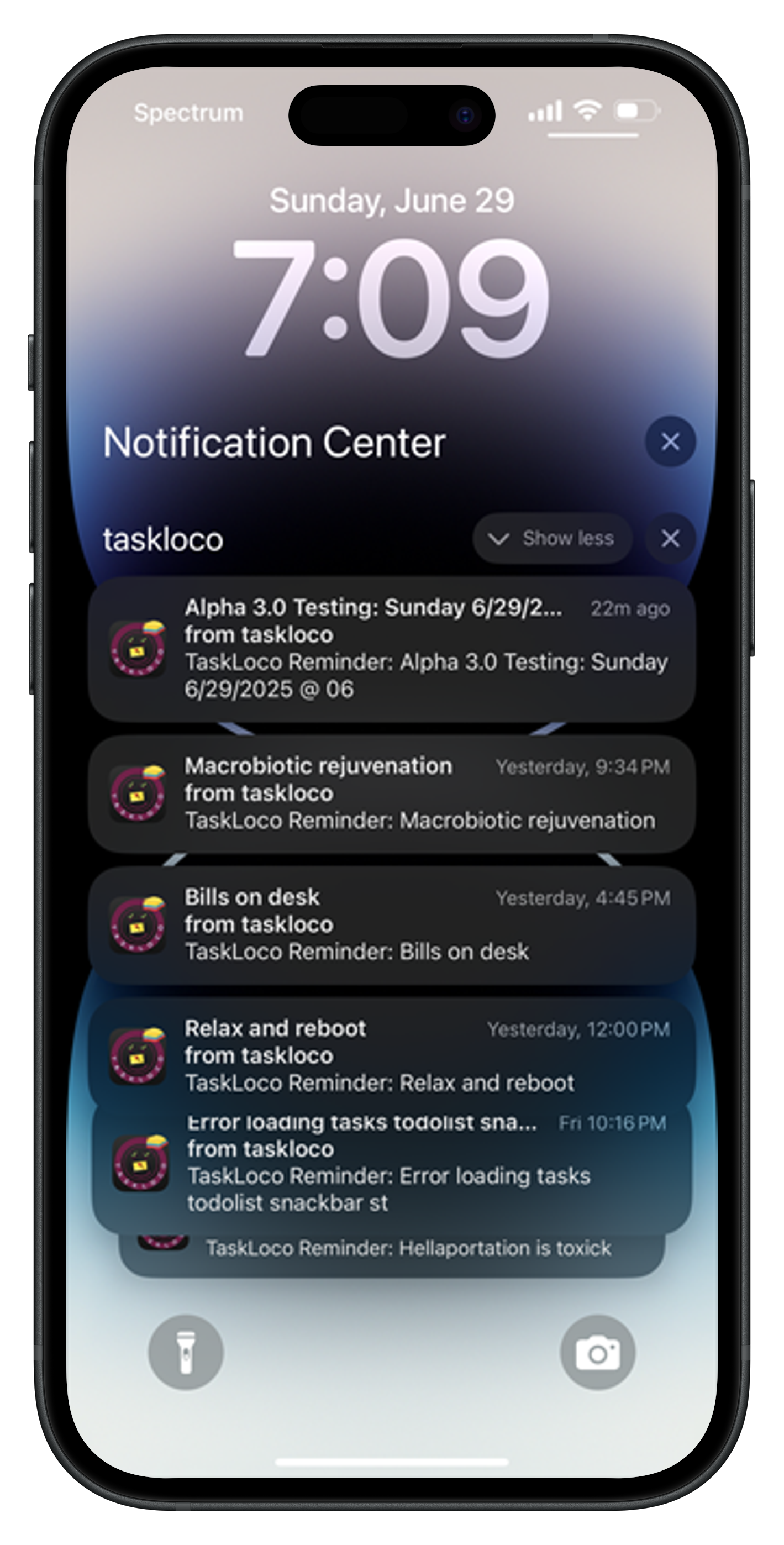
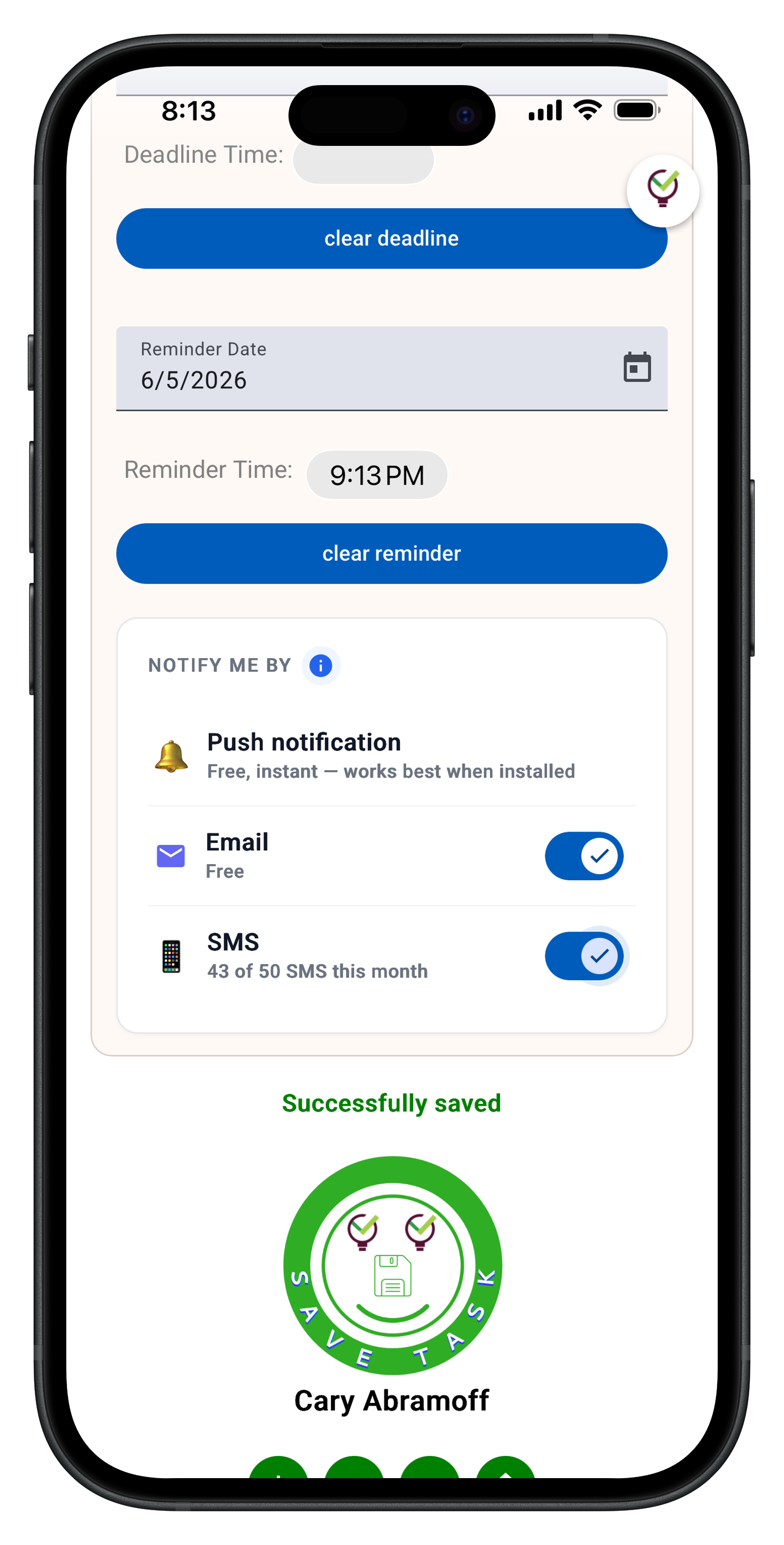
OneNote excels at capturing information, but it's terrible at helping you act on it. You end up with pages of notes that just sit there, never turning into actual accomplishments.
TaskLoco flips this completely. Every note can become a task with reminders and deadlines. Your thoughts don't just get stored — they get done. And unlike OneNote's confusing notebook structure, TaskLoco keeps everything in one fast, searchable wall.
TaskLoco Premium is regularly $9.99/month per person. Right now, charter members can lock in 50% off the regular price — forever. That means $4.99/month per person today. And if our price ever goes up, you still pay half. Always.
Code CHARTER50 auto-applies at checkout. First 500 spots only — once they're gone, this offer is gone permanently. Act fast while spots last.
Every Premium subscription includes unlimited notes, 10GB file storage, reminders, calendar, and team sharing. Each team member requires a separate subscription. 7-day free trial — no charge until day 8. Cancel anytime.
Free Options: TaskLoco vs OneNote
TaskLoco Lite
- Native iPhone & Android app
- Completely anonymous — no sign-in
- Data stays on your device
- Up to 20 notes
- Free forever
TaskLoco Lite Plus+
- Web app + Chrome extension
- Sign in with Google
- Wall syncs across all devices
- Up to 30 notes
- Free forever
Why TaskLoco Beats OneNote for Productivity
OneNote treats everything as passive information. You write meeting notes, capture ideas, paste screenshots — but nothing happens next. Your notes become a graveyard of good intentions.
TaskLoco makes every note actionable. Add a reminder to follow up on that meeting. Turn project ideas into tasks with deadlines. Your notes become your to-do list, calendar, and file storage rolled into one.
The Chrome extension captures any webpage in one click, but unlike OneNote's clunky web clipper, TaskLoco immediately lets you add tasks and reminders to what you captured. Research becomes action.

Two Free Tiers vs OneNote's Limitations
OneNote is technically free but locks you into Microsoft's ecosystem and requires an account. TaskLoco Lite goes further — completely anonymous, no sign-in required, stores 20 notes directly on your device.
TaskLoco Lite Plus+ gives you 30 synced notes across all devices with just a Google sign-in. No Microsoft account required, no ecosystem lock-in, no data mining.
Both free tiers include the Chrome extension for one-click webpage capture. OneNote's web clipper is clunky and requires the full Microsoft setup.

File Attachments That Actually Work
OneNote's file handling is a mess. Large files break, syncing fails, and you can't trust that your attachments will be there when you need them. The desktop app and web version handle files completely differently.
TaskLoco Premium includes 10GB of reliable file storage with secure sharing links. Upload any file type, share with teammates who can view without needing TaskLoco accounts themselves. Files sync perfectly across all devices.
Each file gets a secure link for easy sharing. No struggling with OneNote's permission system or wondering if teammates can actually access what you shared.

Team Collaboration Without the Complexity
OneNote's sharing is confusing. Section permissions, notebook sharing, conflicting edits — it's designed for document collaboration, not task management.
TaskLoco keeps team sharing simple. Share any note via email, and teammates can clone it to their own wall and make it their own. No permissions to manage, no access levels to figure out. Each person owns their copy.
push notifications with optional email & SMS notifications available keep everyone updated when shared notes change. No need to constantly check OneNote notebooks for updates.





The Honest Comparison
| Feature | TaskLoco | OneNote |
|---|---|---|
| Free tier | Two free tiers — Lite (20 notes, no sign-in) and Lite Plus+ (30 notes, synced) FREE | Free but requires Microsoft account |
| Anonymous usage | TaskLoco Lite requires no account, completely anonymous FREE | Always requires Microsoft account sign-in |
| Task management | Built-in tasks with reminders and due dates | Notes only — no task functionality |
| Reminders | Built-in reminders for any note or task | No reminder system |
| Calendar view | Built-in calendar for tasks and deadlines | No calendar integration |
| File attachments | 10GB storage, works consistently across all platforms | Inconsistent between desktop and web versions |
| Web clipper | Chrome extension with one-click capture FREE | Clunky web clipper with Microsoft account required |
| Cross-platform sync | Perfect sync across web, mobile, and Chrome extension | Sync issues between different OneNote versions |
| Team sharing | Yes — included with Premium. Each team member requires a separate subscription — currently $9.99/month per person, but TaskLoco is offering a Charter Member special: 50% off for life, currently $4.99/month per person for the first 500 subscribers with code CHARTER50. | Complex permission system with notebooks and sections |
| Search functionality | Full-text search across notes and file attachments | Search works but limited in free version |
| Mobile experience | Consistent web app across all devices | Separate mobile app with different features |
| Organization system | Single wall with tags and search FREE | Complex notebook and section hierarchy |
| Drawing and handwriting | Basic text and file attachments | Full drawing and handwriting support |
| Microsoft Office integration | No Office integration | Deep integration with Office suite |
| Data ownership | Your data stays yours, minimal data collection FREE | Microsoft ecosystem with extensive data integration |
| Setup complexity | Works immediately, no setup required FREE | Requires Microsoft account and ecosystem setup |
| push notifications with optional email & SMS notifications available | Built-in notifications for shared notes and reminders | Limited notification options |
| File sharing links | Secure links that work for anyone | Sharing requires recipient to have Microsoft account |
| Version consistency | Same features across web, mobile, and extension FREE | Different features across desktop, web, and mobile versions |
Who Should Use Each
Use TaskLoco if…
- You want notes that actually turn into completed tasks and projects
- You need simple team sharing without Microsoft ecosystem complexity
- You want reliable file attachments that sync perfectly across devices
- You prefer one flat subscription price per person with no enterprise minimums
- You need built-in reminders and calendar view for your notes
- You want to capture web content and immediately add tasks to it
Use OneNote if…
- You need extensive drawing and handwriting capabilities
- Your workflow is built around Microsoft Office integration
- You prefer hierarchical organization with notebooks and sections
- You need free unlimited storage for large files
- Your team is already invested in the Microsoft ecosystem
Lock In 50% Off — Forever
7-day free trial. No charge until day 8. CHARTER50 auto-applies at checkout.
🔒 Lock In My Charter SpotSee TaskLoco in Action
Frequently Asked Questions
Is TaskLoco really free like OneNote?
TaskLoco offers two free tiers. Lite gives you 20 notes with no account required — completely anonymous. Lite Plus+ gives you 30 synced notes across devices with Google sign-in. $9.99/month per person (currently $4.99/month per person for first 500 charter members with code CHARTER50)
Can TaskLoco replace OneNote for taking meeting notes?
Yes, and TaskLoco goes further by letting you add reminders and tasks to your meeting notes. Instead of notes that sit there forever, you get actionable follow-ups with deadlines.
Does TaskLoco work without a Microsoft account?
Yes. TaskLoco Lite requires no account at all — completely anonymous. Lite Plus+ and Premium only need a Google sign-in. No Microsoft ecosystem required.
How does TaskLoco handle file attachments compared to OneNote?
TaskLoco Premium includes 10GB of reliable file storage with secure sharing links. Files work consistently across all devices — no desktop vs web version differences like OneNote.
Can I share TaskLoco notes with people who don't have accounts?
Yes. TaskLoco creates secure sharing links for files that work for anyone. For note sharing, recipients can view shared notes and clone them to their own TaskLoco account if they want to edit.
Does TaskLoco sync as well as OneNote?
TaskLoco sync is more reliable because it's the same web app everywhere. OneNote has sync issues between its different desktop, web, and mobile versions.
Why choose TaskLoco over OneNote for productivity?
TaskLoco turns notes into action with built-in tasks, reminders, and calendar view. OneNote is great for storing information but terrible at helping you act on it. $9.99/month per person (currently $4.99/month per person for first 500 charter members with code CHARTER50)
Born in Brooklyn. Powered by AWS. Your data stays yours.
TaskLoco is available on iPhone, Android, Chrome, and every web browser.